Elements · Content

FAQs & help

Principals and computer teachers ask the same handful of questions before they order. These variations answer them in different shapes — one column, two columns, grouped under tabs, searchable, or paired with a contact card — and each is ready for FAQ structured data.

6 variations

Select every variation you like — your picks are saved in this browser.

Single-column accordion

The house default: a short intro, one answer open at a time so the page never jumps, and a “still stuck” line under the list.

  • accordion
  • one open
  • default

Six questions cover most of what a principal or a computer teacher asks before ordering. Opening one answer closes the last, so the list stays the same height and nothing moves under the reader’s cursor.

Yes. One specimen per series and class goes free to any school evaluating the books. Ask on the specimen-request form or by phone, and give the school name and address, the classes involved, the number of sections and the computer teacher’s number.

Send the series, part numbers and quantities on school letterhead to info@myeducare.in, or call the office on +91 184 225 4445. Every title is dispatched from Guru Nanak Complex, Railway Road, Karnal 132001, Haryana, India, and the sales team confirms the courier and the dispatch date when the order is booked.

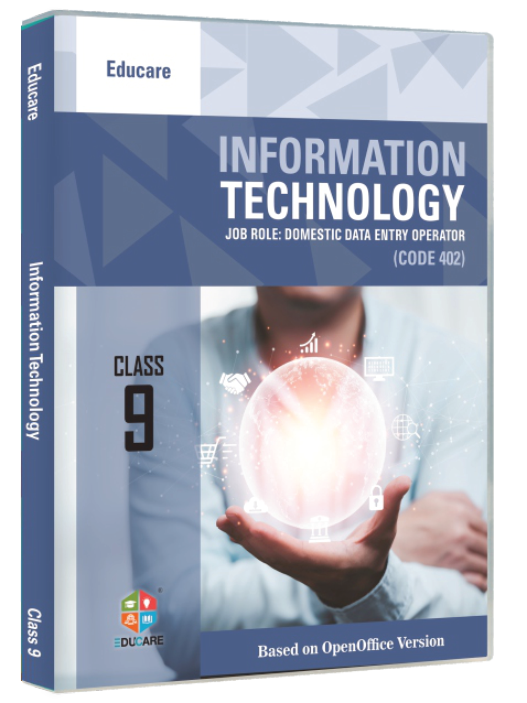
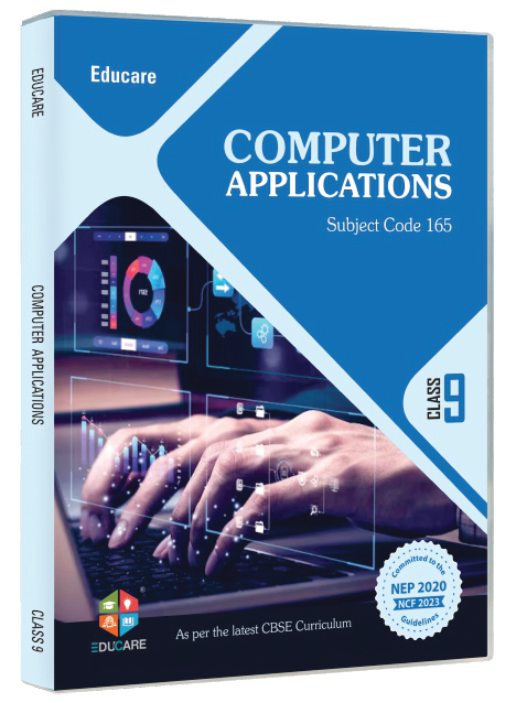
Yes. Every series is graded to the latest NCERT guidelines and follows the CBSE, ICSE and other state-board curricula. For Classes 9–10 the titles map to the CBSE skill subjects: Code 402 Information Technology, Code 417 Artificial Intelligence and Code 165 Computer Applications.

The series are versioned by lab, not by year. Pick the one that matches the machines in the room:

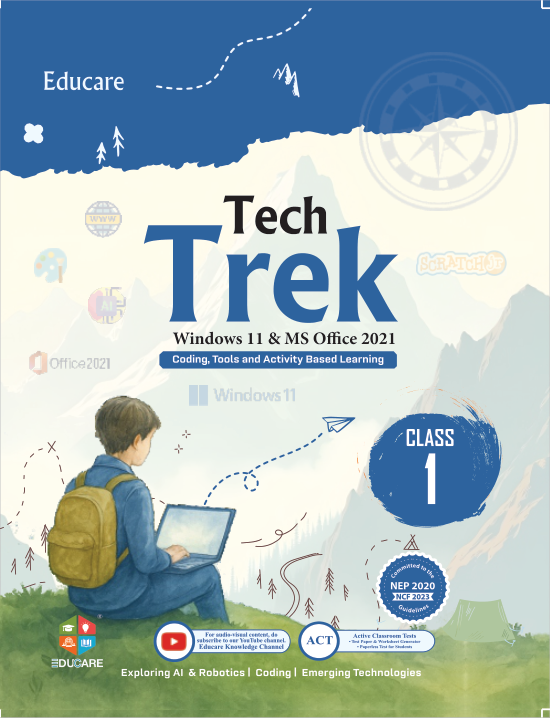
  • Win 11 · Office 2021 — Tech Trek
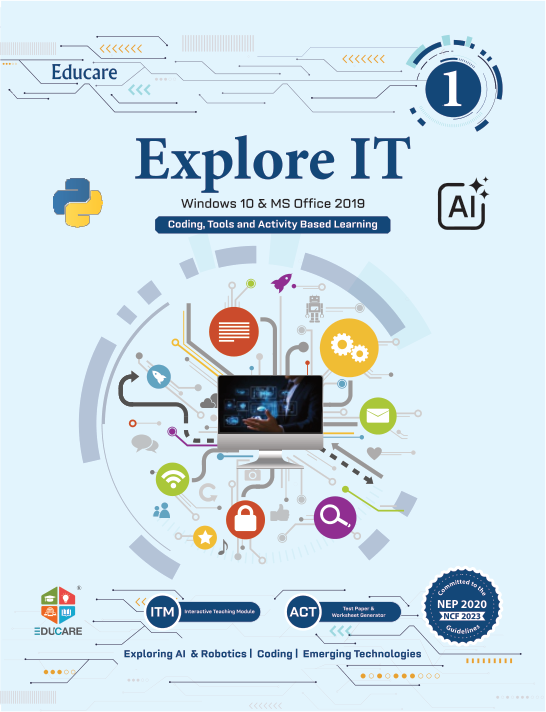
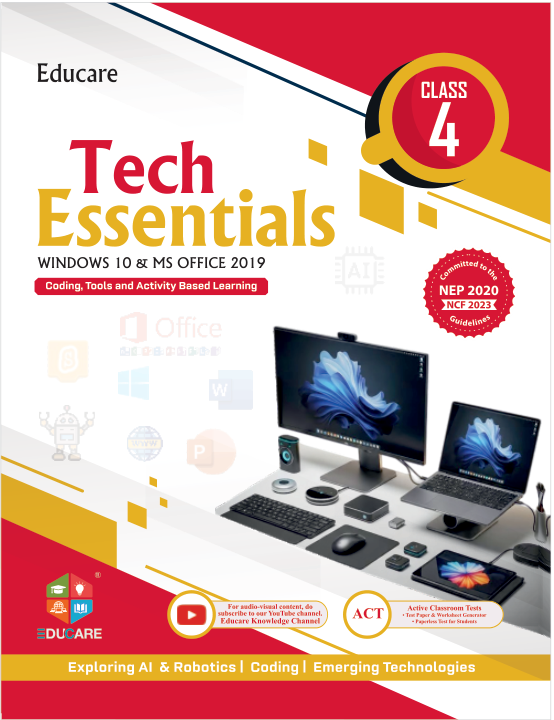
  • Win 10 · Office 2019 — Explore It, Tech Essentials
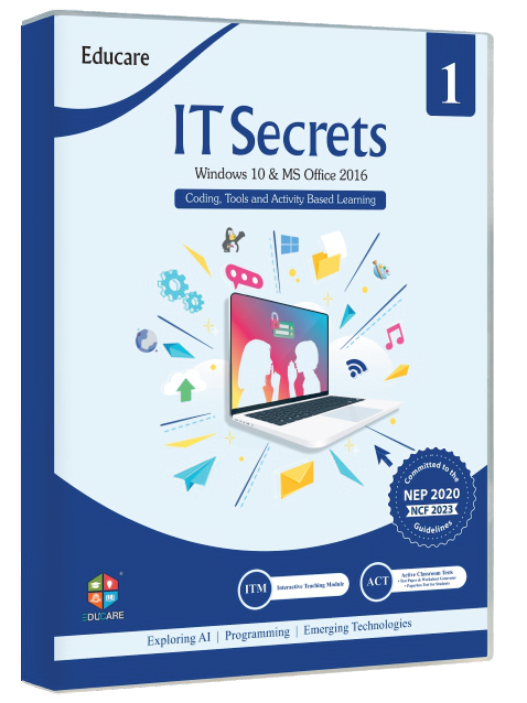
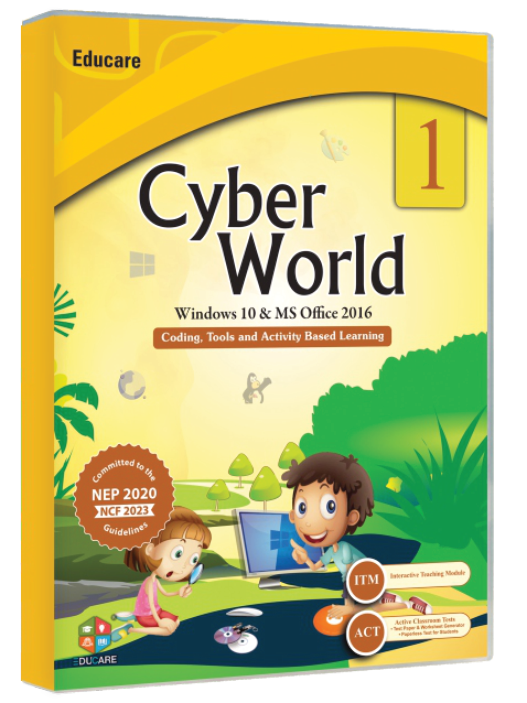
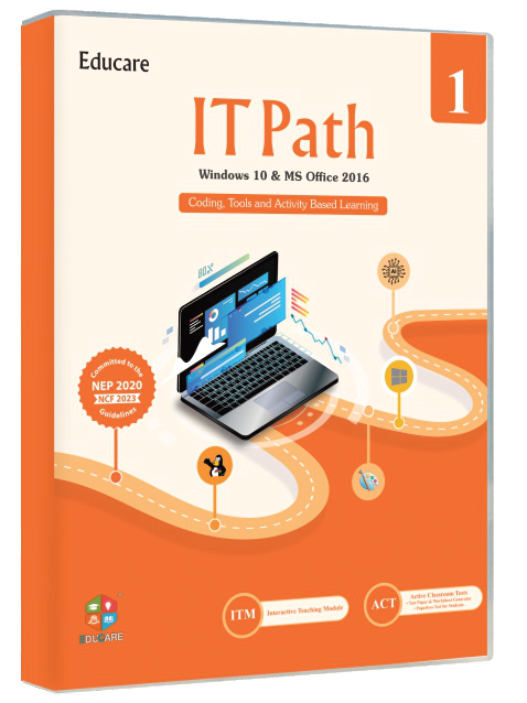
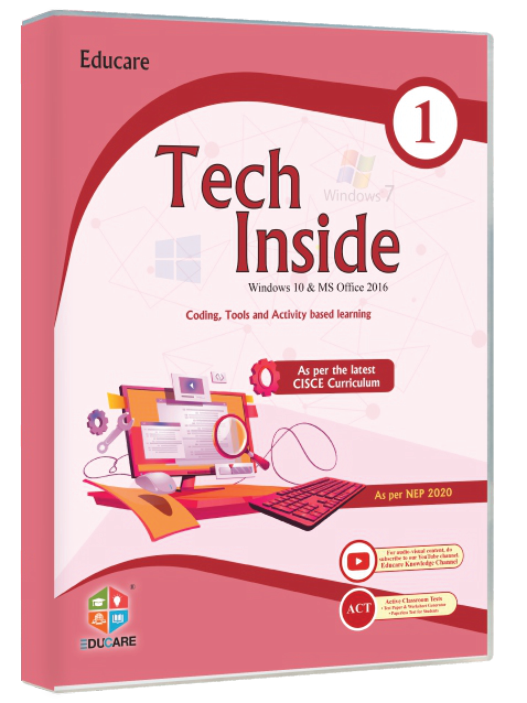
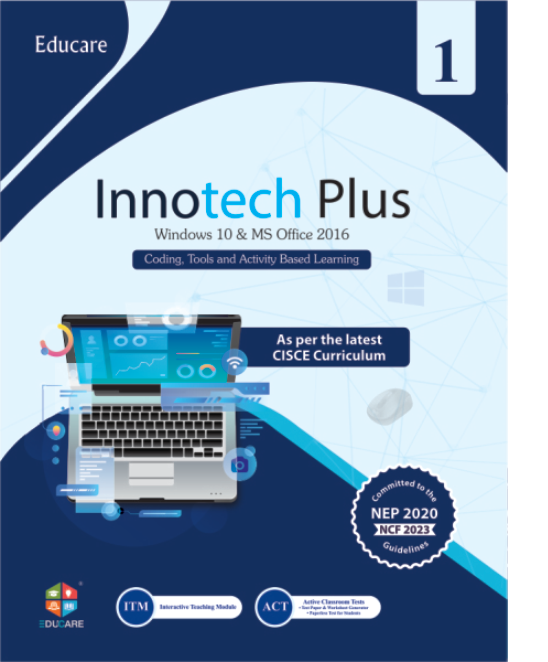
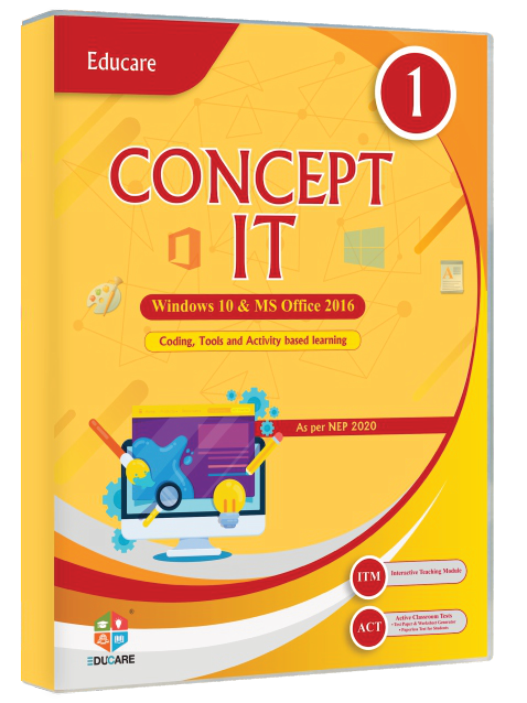
  • Win 10 · Office 2016 — IT Secret, Cyber World, IT Path, Tech Inside, Innotech Plus, Concept It
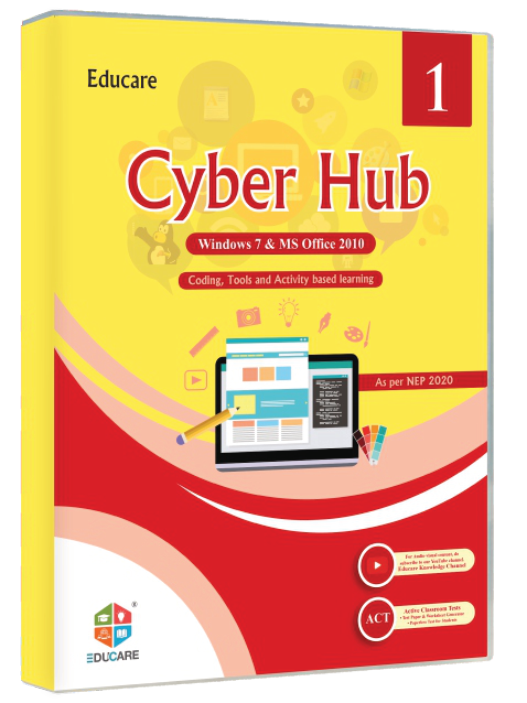
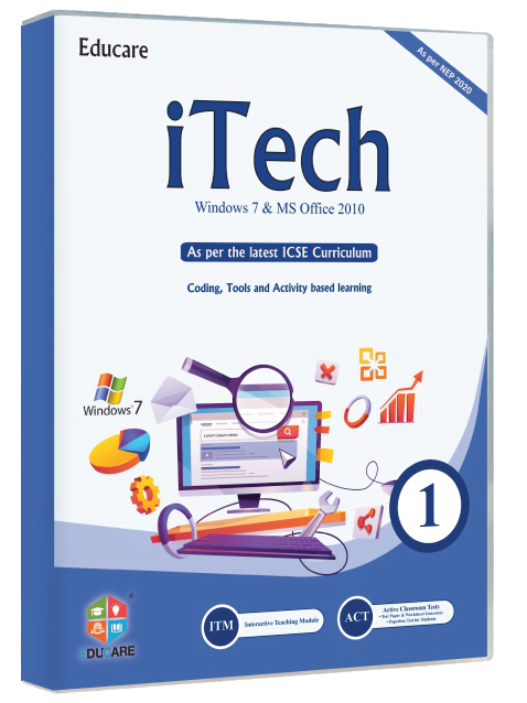
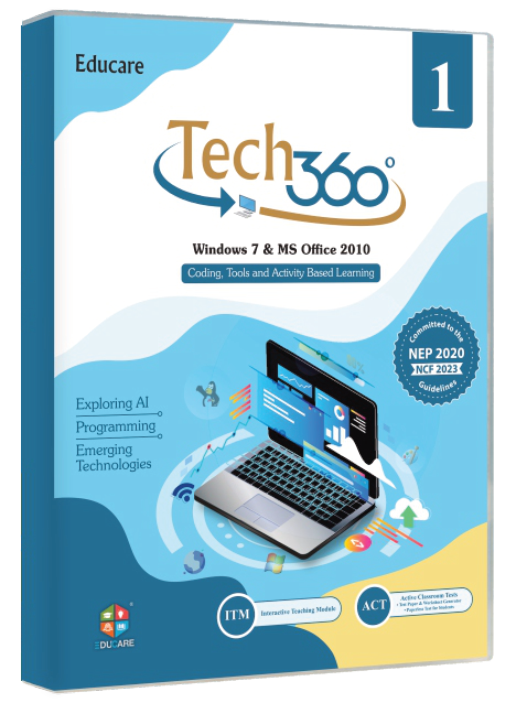
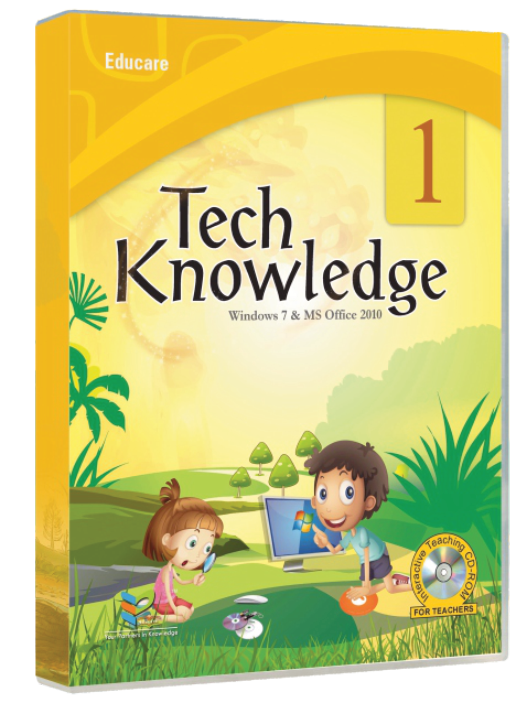
  • Win 7 · Office 2010 — Cyber Hub, iTech, Tech 360, Tech Knowledge
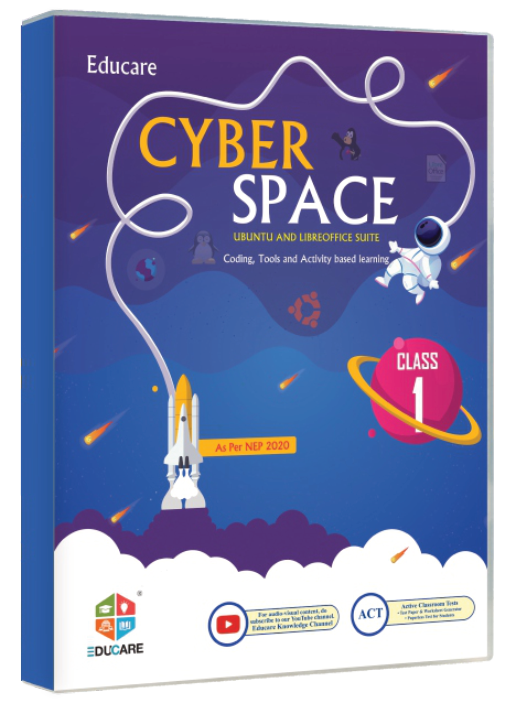
  • Ubuntu · LibreOffice — Cyber Space
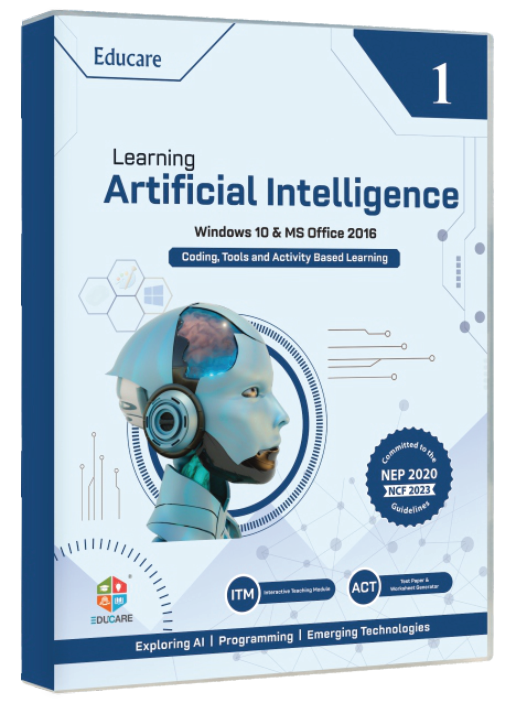
  • CBSE Code 417 — Artificial Intelligence
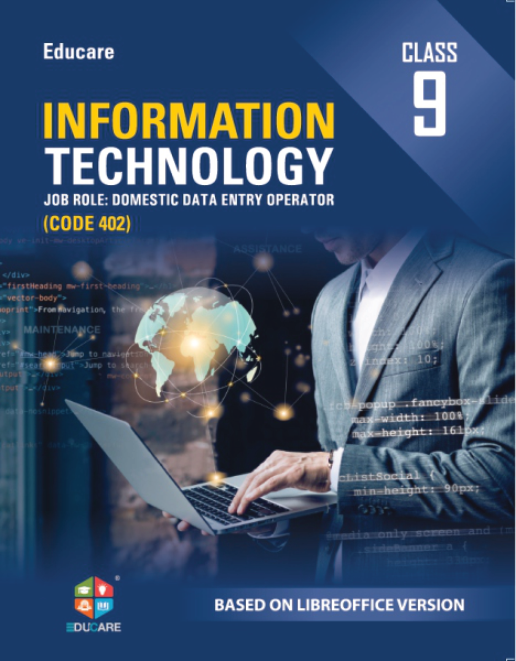
  • LibreOffice · CBSE Code 402 — Information Technology
  • OpenOffice · CBSE Code 402 — Information Technology
  • CBSE Code 165 — Computer Applications

Adoption brings the whole teaching set, not just the book:

  • ITM (Interactive Teaching Modules) — Animated chapter lessons for the smart class
  • ACT (Active Classroom Tests) — Ready-to-use tests for every chapter
  • TRM (Teacher's Resource Manuals) — Lesson plans, answer keys and worksheets
  • Flip Books — Page-turning digital editions of every book
  • Software Support — Install and lab set-up help for schools
  • Online Links — Chapter-wise web resources and downloads

Yes. The Educare team holds periodic workshops, at the school or online, covering the software introduced in the books and the changes in the syllabus. Ask the office to schedule one before the session starts, or whenever a class moves to a new series.

Still stuck? Call +91 184 225 4445, message the same number on WhatsApp, or write to info@myeducare.in.

On the site: The FAQ page itself, and the short six-question block at the foot of a series page. Keep one answer open at a time wherever the list sits above a call to action.

0/200

Two-column accordion, multiple open

A long list read as two columns, with any number of answers open at once and expand-all / collapse-all for teachers who want to print or scan the lot.

  • two columns
  • multi open
  • long lists

10 questions

Send the series, part numbers and quantities on school letterhead to info@myeducare.in, or call the office on +91 184 225 4445. Every title is dispatched from Guru Nanak Complex, Railway Road, Karnal 132001, Haryana, India, and the sales team confirms the courier and the dispatch date when the order is booked.

ISBN-13, the number printed above the barcode. Every part of every series carries its own, so quoting it stops a distributor sending Part 3 in place of Part 4.

  • Tech Trek (Part 1) — ISBN-13 978-81-983279-7-0
  • Tech Trek (Part 3) — ISBN-13 978-81-983279-3-2
  • Tech Trek (Part 8) — ISBN-13 978-81-983279-5-6

Prices are printed per part, not per series: Tech Trek runs from ₹295 for Part 1 to ₹575 for Part 8. The price list for all 18 series travels with the specimen copies, and the office confirms the rates for the session before an order is booked.

Yes. The field team covers Chandigarh, Delhi, Haryana, Punjab, Rajasthan and Uttarakhand in person, and schools elsewhere in India are served from the head office by phone, email and courier.

Yes. One specimen per series and class goes free to any school evaluating the books. Ask on the specimen-request form or by phone, and give the school name and address, the classes involved, the number of sections and the computer teacher’s number.

The textbook, plus everything the department needs to judge the whole package rather than the cover:

  • Teacher’s Resource Manual for that class — lesson plans, answer keys and worked solutions
  • A sample Active Classroom Test for one chapter
  • Flip book and online-link access for the same class
  • The current price list and the ISBN sheet for the series

Yes. Every series is graded to the latest NCERT guidelines and follows the CBSE, ICSE and other state-board curricula. For Classes 9–10 the titles map to the CBSE skill subjects: Code 402 Information Technology, Code 417 Artificial Intelligence and Code 165 Computer Applications.

Yes. The Windows 7 and Office 2010 titles stay in print for labs that have not been upgraded, and the same eight-part structure exists on Windows 10 and Windows 11, so a school can move one class at a time instead of replacing the whole series in one year.

Yes. The Educare team holds periodic workshops, at the school or online, covering the software introduced in the books and the changes in the syllabus. Ask the office to schedule one before the session starts, or whenever a class moves to a new series.

Software support covers every tool named in the books. Call +91 184 225 4445 or write to info@myeducare.in with the class, the series and a photograph of the error; tutorial videos for Tux Paint, Tux Maths, Stykz and Bookworm are on the Educare Knowledge Channel.

On the site: The full help page when there are more than about eight questions, and the ordering-help block on the specimen-request page, where a school often needs two answers side by side.

0/200

Categorised with tabs & a live count

Four chips — Ordering, Specimen copies, Curriculum, Teacher support — switch between question sets; the count under the chips announces how many questions the open category holds.

  • tabs
  • categories
  • live count

5 questions in Ordering & delivery

Send the series, part numbers and quantities on school letterhead to info@myeducare.in, or call the office on +91 184 225 4445. Every title is dispatched from Guru Nanak Complex, Railway Road, Karnal 132001, Haryana, India, and the sales team confirms the courier and the dispatch date when the order is booked.

ISBN-13, the number printed above the barcode. Every part of every series carries its own, so quoting it stops a distributor sending Part 3 in place of Part 4.

  • Tech Trek (Part 1) — ISBN-13 978-81-983279-7-0
  • Tech Trek (Part 3) — ISBN-13 978-81-983279-3-2
  • Tech Trek (Part 8) — ISBN-13 978-81-983279-5-6

Prices are printed per part, not per series: Tech Trek runs from ₹295 for Part 1 to ₹575 for Part 8. The price list for all 18 series travels with the specimen copies, and the office confirms the rates for the session before an order is booked.

Yes. Call the office with the ISBN-13 and the quantity; top-up orders for titles already in the school ship from the same stock in Karnal. Tell the executive how many sections you now have so the next session can be planned at the same time.

Yes. The field team covers Chandigarh, Delhi, Haryana, Punjab, Rajasthan and Uttarakhand in person, and schools elsewhere in India are served from the head office by phone, email and courier.

Yes. One specimen per series and class goes free to any school evaluating the books. Ask on the specimen-request form or by phone, and give the school name and address, the classes involved, the number of sections and the computer teacher’s number.

The textbook, plus everything the department needs to judge the whole package rather than the cover:

  • Teacher’s Resource Manual for that class — lesson plans, answer keys and worked solutions
  • A sample Active Classroom Test for one chapter
  • Flip book and online-link access for the same class
  • The current price list and the ISBN sheet for the series

As many as you are comparing. Schools usually put the Windows 11 series next to a Windows 10 one for the same class — Tech Trek against Explore It — and decide on the software in the lab rather than on the year on the cover.

The area executive calls the school to answer the computer teacher’s questions and, if it helps, demonstrates the Interactive Teaching Modules and the Active Classroom Tests on your smart board. Nothing is charged for the specimen or for the demonstration.

Yes. Every series is graded to the latest NCERT guidelines and follows the CBSE, ICSE and other state-board curricula. For Classes 9–10 the titles map to the CBSE skill subjects: Code 402 Information Technology, Code 417 Artificial Intelligence and Code 165 Computer Applications.

NEP 2020 asks for computational thinking from the middle years and for artificial intelligence as a school subject. The Classes 1–8 series build that ladder — painting and stick-figure animation in the junior parts, spreadsheets, HTML and Python in the senior ones — and Learning Artificial Intelligence carries it into Classes 9–10 under CBSE Code 417.

The series are versioned by lab, not by year. Pick the one that matches the machines in the room:

  • Win 11 · Office 2021 — Tech Trek
  • Win 10 · Office 2019 — Explore It, Tech Essentials
  • Win 10 · Office 2016 — IT Secret, Cyber World, IT Path, Tech Inside, Innotech Plus, Concept It
  • Win 7 · Office 2010 — Cyber Hub, iTech, Tech 360, Tech Knowledge
  • Ubuntu · LibreOffice — Cyber Space
  • CBSE Code 417 — Artificial Intelligence
  • LibreOffice · CBSE Code 402 — Information Technology
  • OpenOffice · CBSE Code 402 — Information Technology
  • CBSE Code 165 — Computer Applications

Yes. The Windows 7 and Office 2010 titles stay in print for labs that have not been upgraded, and the same eight-part structure exists on Windows 10 and Windows 11, so a school can move one class at a time instead of replacing the whole series in one year.

No. Those were replaced by Tux Paint and by Stykz, a stick-figure animation tool, so that young learners meet software they enjoy while they learn the same ideas. Tutorial videos for both are on the Educare Knowledge Channel.

Cyber Space is written for Ubuntu and the LibreOffice suite, and the Class 9–10 Code 402 book is published in a LibreOffice edition as well as an OpenOffice one, so a school that has moved off Microsoft Office keeps the same syllabus.

Adoption brings the whole teaching set, not just the book:

  • ITM (Interactive Teaching Modules) — Animated chapter lessons for the smart class
  • ACT (Active Classroom Tests) — Ready-to-use tests for every chapter
  • TRM (Teacher's Resource Manuals) — Lesson plans, answer keys and worksheets
  • Flip Books — Page-turning digital editions of every book
  • Software Support — Install and lab set-up help for schools
  • Online Links — Chapter-wise web resources and downloads

Yes. The Educare team holds periodic workshops, at the school or online, covering the software introduced in the books and the changes in the syllabus. Ask the office to schedule one before the session starts, or whenever a class moves to a new series.

Software support covers every tool named in the books. Call +91 184 225 4445 or write to info@myeducare.in with the class, the series and a photograph of the error; tutorial videos for Tux Paint, Tux Maths, Stykz and Bookworm are on the Educare Knowledge Channel.

The Teacher’s Resource Manual comes both ways — a hard copy for the staff room and a soft copy for the smart board. The Interactive Teaching Modules, the flip books and the online links are digital, and the Active Classroom Tests arrive ready to print.

Yes. Educare invites computer teachers, authors and subject experts to write for Classes 1–12 to the CBSE, ICSE and state-board curricula, on attractive terms with compensation for the time involved, and the editorial team supports the writing and the editing throughout.

On the site: The main help page once the list passes fifteen questions. Each chip becomes a deep-linkable section (/faqs#ordering) so the sales team can send a school straight to the right group.

0/200

Searchable FAQ

A filter box that narrows all twenty questions as you type, with a visible count, a screen-reader announcement, a Clear button and a real empty state that offers the office number.

  • search
  • filter
  • live region

On the site: A dedicated /faqs page and the help drawer in the header. Search and categories can be combined once the list passes about thirty questions.

0/200

FAQ with a contact card

Questions on the left and a “talk to a person” card on the right — phone, WhatsApp, email, office hours and the specimen call to action — for pages that must convert as well as answer.

  • contact
  • conversion
  • two panes

Before you order

Yes. One specimen per series and class goes free to any school evaluating the books. Ask on the specimen-request form or by phone, and give the school name and address, the classes involved, the number of sections and the computer teacher’s number.

Send the series, part numbers and quantities on school letterhead to info@myeducare.in, or call the office on +91 184 225 4445. Every title is dispatched from Guru Nanak Complex, Railway Road, Karnal 132001, Haryana, India, and the sales team confirms the courier and the dispatch date when the order is booked.

Yes. Call the office with the ISBN-13 and the quantity; top-up orders for titles already in the school ship from the same stock in Karnal. Tell the executive how many sections you now have so the next session can be planned at the same time.

Software support covers every tool named in the books. Call +91 184 225 4445 or write to info@myeducare.in with the class, the series and a photograph of the error; tutorial videos for Tux Paint, Tux Maths, Stykz and Bookworm are on the Educare Knowledge Channel.

Yes. The Windows 7 and Office 2010 titles stay in print for labs that have not been upgraded, and the same eight-part structure exists on Windows 10 and Windows 11, so a school can move one class at a time instead of replacing the whole series in one year.

On the site: The Contact page and the specimen-request page, where the question list has to answer objections and hand the reader a phone number in the same screen.

0/200

Native details & summary — zero script

The same accordion built only from <details> and <summary>: exclusive by name, keyboard operable, printable, and working before any JavaScript has loaded.

  • no JS
  • native
  • fallback
Are the books aligned to CBSE, ICSE and the state boards?

Yes. Every series is graded to the latest NCERT guidelines and follows the CBSE, ICSE and other state-board curricula. For Classes 9–10 the titles map to the CBSE skill subjects: Code 402 Information Technology, Code 417 Artificial Intelligence and Code 165 Computer Applications.

Is LOGO or BASIC still taught in the junior classes?

No. Those were replaced by Tux Paint and by Stykz, a stick-figure animation tool, so that young learners meet software they enjoy while they learn the same ideas. Tutorial videos for both are on the Educare Knowledge Channel.

Are specimen copies free for schools?

Yes. One specimen per series and class goes free to any school evaluating the books. Ask on the specimen-request form or by phone, and give the school name and address, the classes involved, the number of sections and the computer teacher’s number.

Do you run teacher training workshops?

Yes. The Educare team holds periodic workshops, at the school or online, covering the software introduced in the books and the changes in the syllabus. Ask the office to schedule one before the session starts, or whenever a class moves to a new series.

Which number do we quote for each book — ISBN-10 or ISBN-13?

ISBN-13, the number printed above the barcode. Every part of every series carries its own, so quoting it stops a distributor sending Part 3 in place of Part 4.

  • Tech Trek (Part 1) — ISBN-13 978-81-983279-7-0
  • Tech Trek (Part 3) — ISBN-13 978-81-983279-3-2
  • Tech Trek (Part 8) — ISBN-13 978-81-983279-5-6

When to prefer it: the browser owns the open state, so the answers survive a failed script, work in reader mode, appear in the browser’s find-on-page and print in full. The trade-off is the animation — the height cannot be tweened — and name="faq06" for the one-open-at-a-time behaviour needs a 2024 or newer browser; older ones simply allow several open at once.

On the site: Legal and policy pages, the printed-specimen insert page, and anywhere the answers matter more than the motion. It is also the safe fallback if the client prefers the site to work with JavaScript switched off.

0/200

Whichever layout you pick, the page emits FAQPage structured data

On the live site each of these six layouts writes the same FAQPage JSON-LD block — one Question and acceptedAnswer per row — so Google can show the answers directly under the Educare result. The markup is generated from the same list that renders the accordion, so a question can never appear in the schema without appearing on the page.

The twenty answers here are drafted from the current myeducare.in FAQ page, the series data in books.json and the Karnal office details. Prices, delivery timings and office hours need the client’s confirmation before launch.

Windows is set to reduce animation. This proposal plays its full motion so you can judge it.

Motion is off