
Elements · Content

Galleries & media

Photos, video and downloads for the About, Solutions and Workshop pages. These variations cover an image grid with lightbox, a scroll-snap slider, a before/after comparison, partner-school logo strips, a privacy-friendly video embed, a map placeholder and a downloads list with file-type icons.

7 variations

Select every variation you like — your picks are saved in this browser.

Photo grid with lightbox

Filterable grid with a featured tile; every photo opens in a full-screen viewer with caption, credit, arrow keys and swipe.

  • photo
  • lightbox
  • filter

On the site: About page gallery and the Workshops page. Editors upload a photo with a caption and a category; the grid, the filter chips and the viewer come from one CMS gallery block.

0/200

Scroll-snap slider

Native horizontal scrolling with snap points, previous/next, dots and a progress bar; works with touch, wheel, keyboard and without JavaScript.

  • photo
  • carousel
  • touch

Solutions in pictures

Slide 1 of 5

  • Teacher pointing at a whiteboard in front of a class
    Teacher orientation A day on the lesson plans, answer keys and worksheets in the TRM. Photo: Anastasia Shuraeva · Pexels License
  • Two kids using an interactive smart board
    Smart-class session ITM chapter animations running on the school’s own board. Photo: Alena Darmel · Pexels License
  • Smiling primary students gathered around a laptop in class
    Lab walk-through Software Support installs and sets up every tool a chapter needs. Photo: Agung Pandit Wiguna · Pexels License
  • Boy programming at a desktop monitor
    Code club ScratchJr, Scratch and Python, graded by class. Photo: cottonbro studio · Pexels License
  • Three kids building a robotics project in class
    Tech Updates What changed in the tools and the syllabus this year. Photo: Vanessa Loring · Pexels License

On the site: The Workshops and About pages, and the “In the classroom” band on each Solutions page. Slides are the same photo + caption records as the gallery, so the two can share one library.

0/200

Before / after edition slider

Wipe between two editions of the same book: drag the handle, use the arrow keys on the slider, or pick a preset.

  • covers
  • compare
  • keyboard
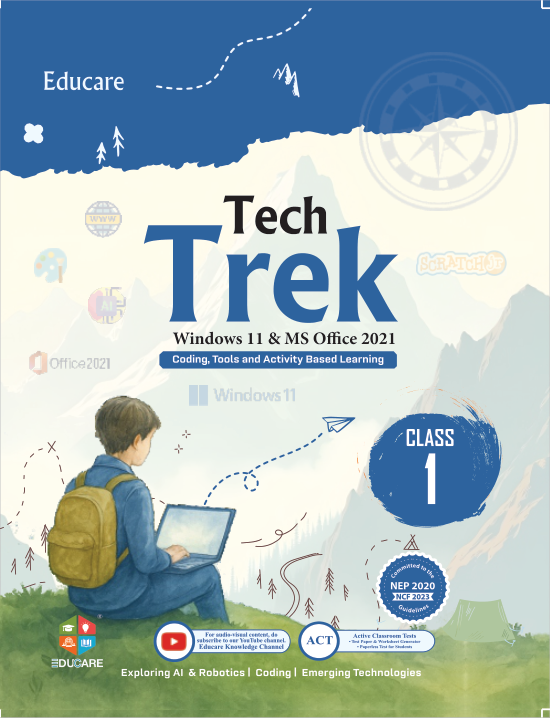
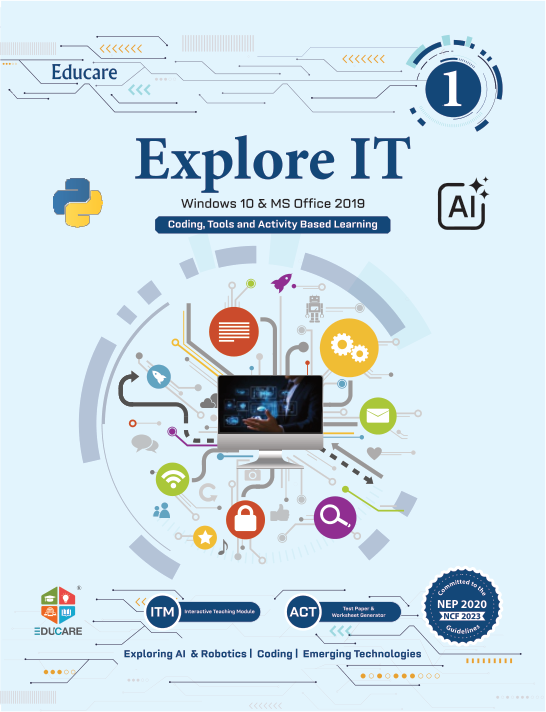
Explore IT (Part 8) cover, Win 10 · Office 2019 edition Tech Trek (Part 8) cover, Win 11 · Office 2021 edition
Before · Win 10 · Office 2019
Explore IT (Part 8)
ISBN 978-81-983187-0-1 · ₹495
After · Win 11 · Office 2021
Tech Trek (Part 8)
ISBN 978-81-983279-5-6 · ₹575

On the site: Series pages when a platform edition changes (“What’s new in the Windows 11 edition”) and Tech Updates posts; it also works for any two photos of the same size, such as a lab before and after Software Support.

0/200

Logo strip — marquee or static

Mono tiles for the boards, platforms and tools the books are written for; switch between a marquee that pauses on hover and a static wrapped grid.

  • logos
  • marquee
  • toggle

Schools in Chandigarh, Delhi, Haryana, Punjab, Rajasthan and Uttarakhand teach from these boards, platforms and tools.

CBSE, ICSE, NCERT, Windows 11, Windows 10, Ubuntu, OpenOffice, Python, HTML5, ScratchJr, Tux Paint · Tux Maths, Stykz · Bookworm

  • CBSE Codes 402 · 417 · 165
  • ICSE And state boards
  • NCERT Graded to the guidelines
  • Windows 11 MS Office 2021
  • Windows 10 MS Office 2016 · 2019
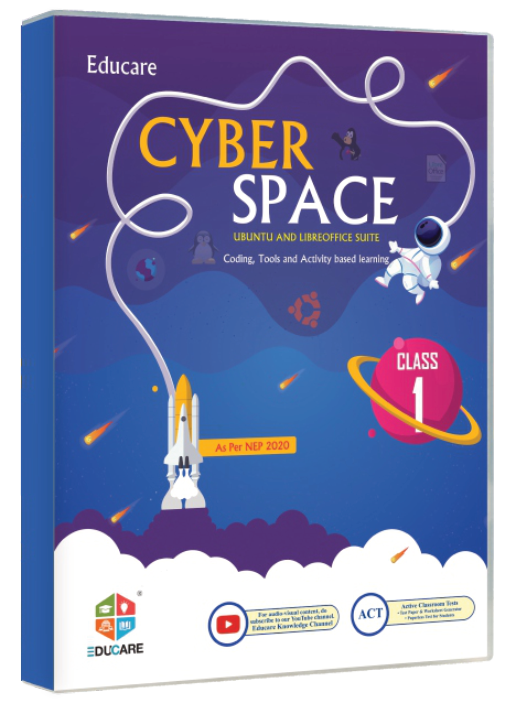
  • Ubuntu LibreOffice · Cyber Space
  • OpenOffice Code 402 edition
  • Python Explore IT Part 7
  • HTML5 Explore IT Part 8
  • ScratchJr Tech Trek Part 1
  • Tux Paint · Tux Maths Online Links tutorials
  • Stykz · Bookworm Online Links tutorials

On the site: Home page under the hero and the Solutions hub. Partner-school logos go in the same tiles as mono SVGs once each school gives permission; until then the strip shows boards, platforms and tools, which needs no permission.

0/200

Video — click to load

A local poster and the title stand in for the YouTube player; nothing loads from Google until the visitor presses play.

  • video
  • privacy
  • youtube
Child's hands on a tablet coding app beside toy blocks

Educare Knowledge Channel · YouTube

Let’s Code with ScratchJr · Chapter 8 · Tech Trek Part 1

Chapter videos

Choosing a chapter swaps the video if the player is open; before that only the poster title changes.

Watch on YouTube

Player loaded from youtube-nocookie.com.

On the site: Solutions → ITM and Online Links, and the series pages’ “Watch a chapter” block. Editors paste a YouTube link and pick a poster; the page stays cookie-free until play.

0/200

Map placeholder — click to load

A drawn placeholder with the address, directions and a copy action; the Google map itself loads only on request.

  • map
  • contact
  • privacy
Placeholder map: Guru Nanak Complex on Railway Road, Karnal Railway Road Guru Nanak Complex Railway Road · Karnal 132001 N

Visit us

Educare Knowledge India Pvt. Ltd.

Guru Nanak Complex, Railway Road, Karnal 132001, Haryana, India

Map loaded from google.com.

On the site: The Contact page and the footer’s “Visit us” link target. Address, phone and WhatsApp come from the site settings; the placeholder drawing is a static SVG, so the page has no third-party request until the visitor asks for the map.

0/200

Downloads list with file types

TRMs, flip books, online links and forms in one filterable list; each row shows its type, scope and the right action.

  • downloads
  • filter
  • icons
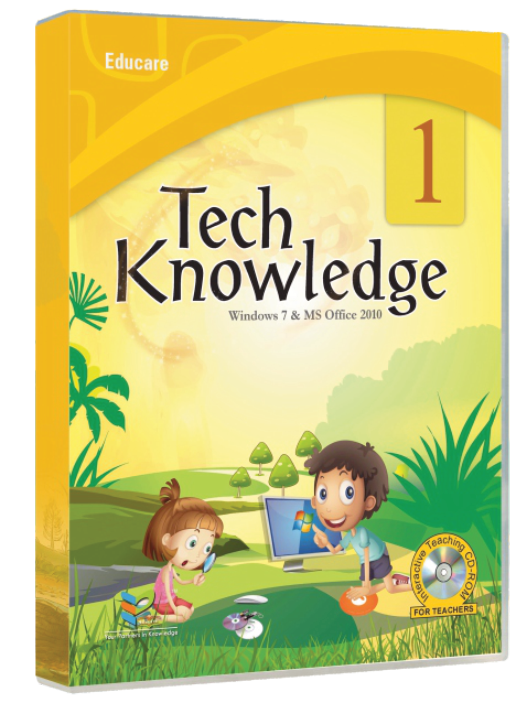
  • Tech Trek — Teacher’s Resource Manual PDFParts 1–8 · Windows 11 & MS Office 2021
  • Explore IT — Teacher’s Resource Manual PDFParts 1–8 · Windows 10 & MS Office 2019
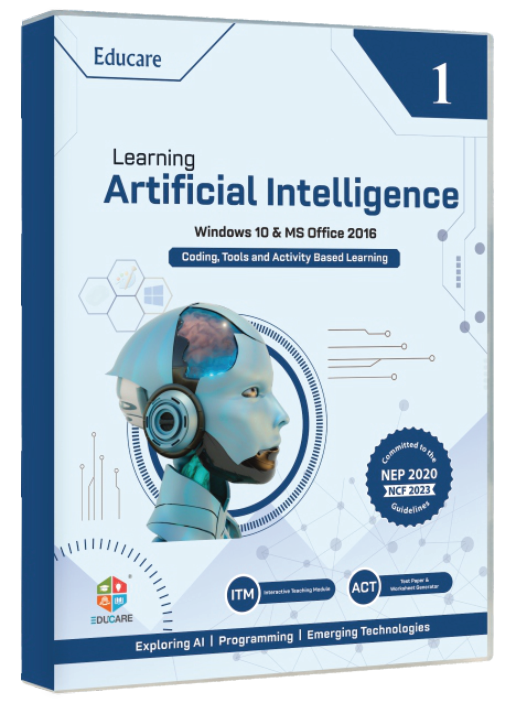
  • Learning Artificial Intelligence — Teacher’s Resource Manual PDFParts 1–10 · CBSE Code 417 for Classes IX–X
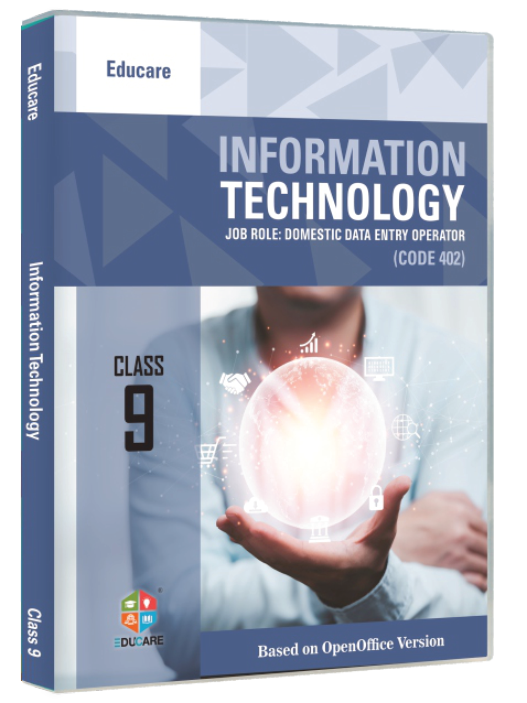
  • Information Technology (Code 402) — Teacher’s Resource Manual PDFClasses IX–X · LibreOffice edition
  • Tech Trek flip books OnlineParts 1–8 · page-turning editions in the browser
  • Cyber Space flip books OnlineParts 1–8 · Ubuntu & LibreOffice edition
  • Chapter-wise online links — Tech Trek WebParts 1–8 · resources and downloads per chapter
  • Tutorial videos: Stykz, Bookworm, Tux Paint, Tux Maths VideoEducare Knowledge Channel on YouTube Open
  • Specimen copy request form PDFFor schools · fill in, sign and email to info@myeducare.in
  • Price list 2026–27 XLSX18 series · 128 titles · MRP per class
  • ISBN catalogue CSVISBN-10 and ISBN-13 for every title

11 of 11 files shown. TRM downloads on the live site sit behind the teacher login.

On the site: Solutions → TRM, Flip Books and Online Links, and the “Resources” tab of every series page. Rows come from the CMS with type, scope and file; sizes and dates are shown once the files exist.

0/200

Windows is set to reduce animation. This proposal plays its full motion so you can judge it.

Motion is off