Elements · Components

Feature & content sections

The reusable bands between hero and footer. These variations cover the ways Educare can explain its solutions and series: feature grids with Lucide or Lordicon icons, a bento grid, alternating image and text, numbered pillars, a series comparison table, stats counters and the NEP 2020 / CBSE banner strips. The bands that ask for the specimen request live on their own page, Calls to action.

8 variations

Select every variation you like — your picks are saved in this browser.

Icon feature grid

The eight school solutions as a four-up grid. Switch the icon layer between static Lucide (nudged by motion.dev on hover) and animated Lordicon Lottie icons.

  • icons
  • lucide
  • lordicon

Solutions for schools

Every book comes with the classroom around it.

  • ITM Interactive Teaching Modules

    Animated chapter lessons for the smart class

    Learn more
  • ACT Active Classroom Tests

    Ready-to-use tests for every chapter

    Learn more
  • TRM Teacher's Resource Manuals

    Lesson plans, answer keys and worksheets

    Learn more
  • Flip Books

    Page-turning digital editions of every book

    Learn more
  • Software Support

    Install and lab set-up help for schools

    Learn more
  • Online Links

    Chapter-wise web resources and downloads

    Learn more
  • Workshops

    Teacher training, on-site and online

    Learn more
  • Tech Updates

    What changed in tools and syllabus

    Learn more

Lucide at 1.75 stroke, about 1 KB per icon. Hover a tile: the house motion.dev nudge tips the icon.

Animated icons by Lordicon.com (free tier, attribution). Lottie JSON self-hosted, 40–120 KB each, loaded only when this switch is on; hover a tile to play. Static under reduced motion.

On the site: Home "Solutions" band and the top of /solutions; four or eight tiles, and one icon layer for the whole site.

0/200

Bento grid

Six tiles of different sizes — photo, a live counter, covers, CBSE codes, solutions and a call to action — that tell the Educare story in one band.

  • photo
  • stats
  • covers
Indian school children in uniform listening in class

ITM · Interactive Teaching Modules

Animated chapter lessons for the smart class.

See ITM

Newest editions

Windows 11, AI and cyber safety, Classes 1–10.

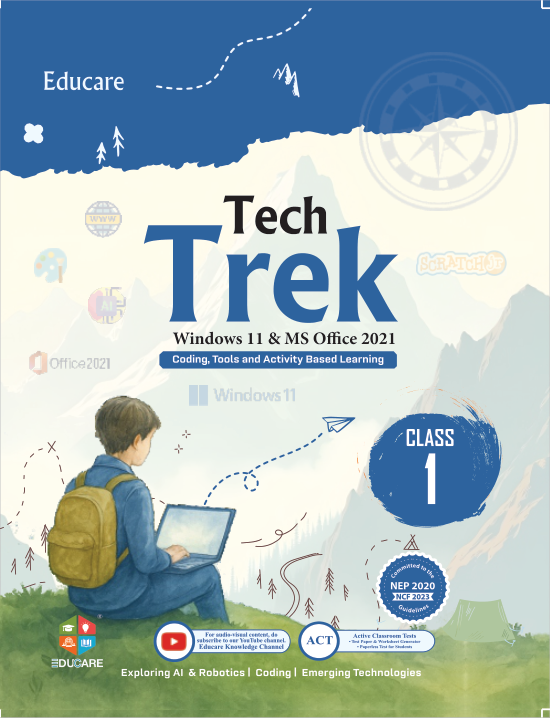
  • Tech Trek cover
  • Artificial Intelligence cover
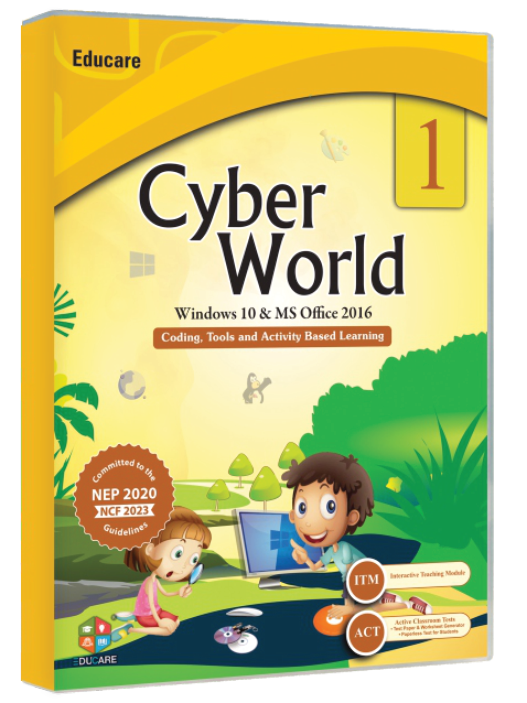
  • Cyber World cover

Specimen copies

See the books before your school decides.

Photo: Swastik Arora · Pexels License

On the site: Home, directly under the hero — one bento per site; tiles swap by season (new series, workshop dates) without changing the layout.

0/200

Alternating image and text

One solution per row, photo and copy swapping sides; each row reveals on scroll and follows the imagery treatment chosen on the overview.

  • photo
  • reveal
Two children using an interactive smart board in class
Photo: Alena Darmel · Pexels License

ITM · Interactive Teaching Modules

Every chapter, animated for the smart class.

ITM turns each chapter of a series into a lesson the teacher can play on the board: animations, worked examples and a recap, in the order of the book.

  • Chapter-wise modules for Classes 1–10
  • Runs on any smart board or projector
  • Included with the series — no extra licence
See ITM
Teacher leading a lesson with engaged students
Photo: Max Fischer · Pexels License

TRM · Teacher's Resource Manuals

Lesson plans and answer keys that agree with the book.

One manual per class, in hard copy and soft copy, with the scope of every chapter and the solution to every question in the textbook.

  • Answer keys, worksheets and extra questions
  • Hard copy and soft copy for every class
  • Request it together with your specimen copies
See TRM
Teacher pointing at a whiteboard in front of a class
Photo: Anastasia Shuraeva · Pexels License

Workshops

Teacher training, on-site and online.

Periodic workshops by the Educare team keep computer teachers current on the tools and syllabus changes behind each new edition.

  • Sessions on software and syllabus updates
  • At your school or online
  • For teachers and, where useful, students
Plan a workshop

On the site: Solutions pages and About — one row per solution, three rows at most before a CTA band.

0/200

Process steps

The buying journey as four connected steps. The connector draws step by step on scroll (vertical on phones, horizontal on desktop) and each step expands for detail.

  • steps
  • scroll
  • accordion

How it works

From specimen copy to classroom in four steps.

  1. Request a specimen

    Tell us the series and classes; specimen copies ship from Karnal.

    The request takes two minutes: school, contact person, series and class range. Specimen copies are free for schools; the Teacher's Resource Manual for the same class can be added to the request.
  2. Review with your computer teacher

    Compare the book with its TRM and ITM for the same chapter.

    Each series page lists what ships with it: Teacher's Resource Manual, ITM chapter modules, Active Classroom Tests, flip book and online links. Reviewing one chapter across all of them shows how the set holds together.
  3. Adopt and order

    Confirm classes and quantities; ISBNs and prices are on every series page.

    Orders go to sales@myeducare.in or by phone. ISBN-13 and ISBN-10 for every class are published on the series page so the school's bookseller can order the same edition.
  4. Train and support

    A workshop for your teachers, software support for the lab, Tech Updates through the year.

    Workshops run on-site or online; software support covers installation and lab set-up for the tools in the books; Tech Updates announce changes in tools and syllabus so the next edition never surprises a teacher.

On the site: The Specimen request page and the Solutions overview; each step can link to its own page.

0/200

Numbered pillars

The three brand pillars from BRAND.md §1 as numbered cards with the logo-quadrant icons; the numeral is decorative, the order is carried by the list.

  • pillars
  • brand icons

Why Educare

Three promises behind every series.

  1. Curriculum-true

    Written to CBSE, ICSE and State syllabi and to NEP 2020, with the class mapping, ISBNs and specimen copies always in view.

    • Series grid by class range and platform
    • CBSE skill subjects 402, 417 and 165
    • Specimen copy request on every series page
  2. Future-ready

    AI, coding, cyber safety and office tools taught at the right age, and Tech Updates that keep the content current between editions.

    • Learning Artificial Intelligence, Classes 1–10
    • Windows 11 and Office 2021 in the newest series
    • Tech Updates stream for teachers
  3. Teacher-first

    ITM, ACT, TRM, workshops and software support exist so a computer teacher is never alone with the book.

    • Eight solutions shipped with the series
    • Workshops on-site and online
    • Authors and reviewers wanted — write for Educare

On the site: About page and the home "Why Educare" band; the three titles are fixed brand copy, the proof lines change per page.

0/200

Comparison table — series by platform

All 18 series in one table with a working filter by class range and platform; the first column stays put while the rest scrolls on narrow screens.

  • table
  • filter
  • sticky column

Compare series

Which series fits your classes and your lab?

Showing 18 of 18 series.

Series compared by class range, platform, number of books, price range and CBSE code
SeriesClassesPlatformBooksPrice rangeCBSE code
Tech Trek Classes 1–8 Win 11 · Office 2021 8 ₹295–575
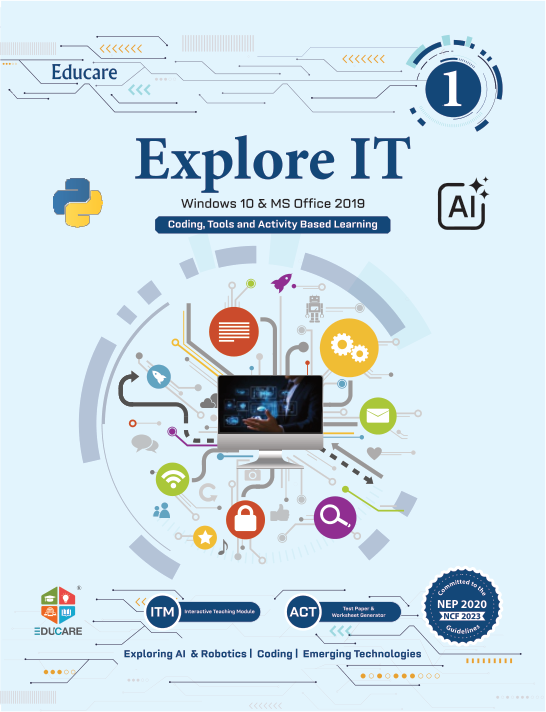
Explore It Classes 1–8 Win 10 · Office 2019 8 ₹280–545
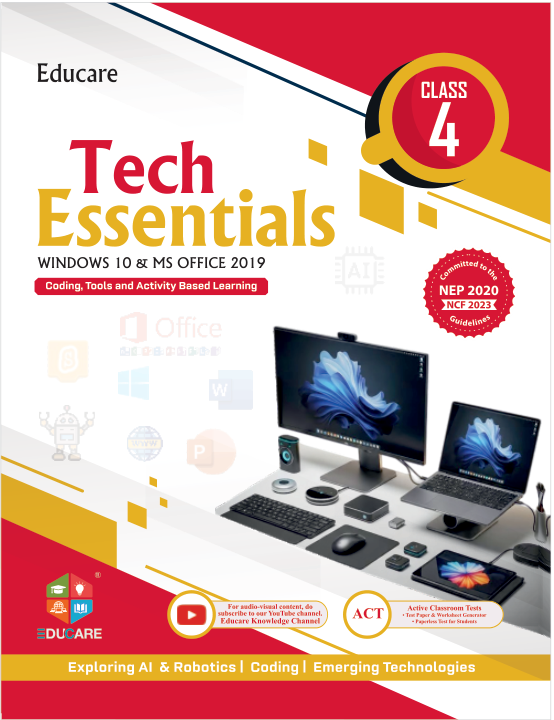
Tech Essentials Classes 1–8 Win 10 · Office 2019 8 ₹259–399
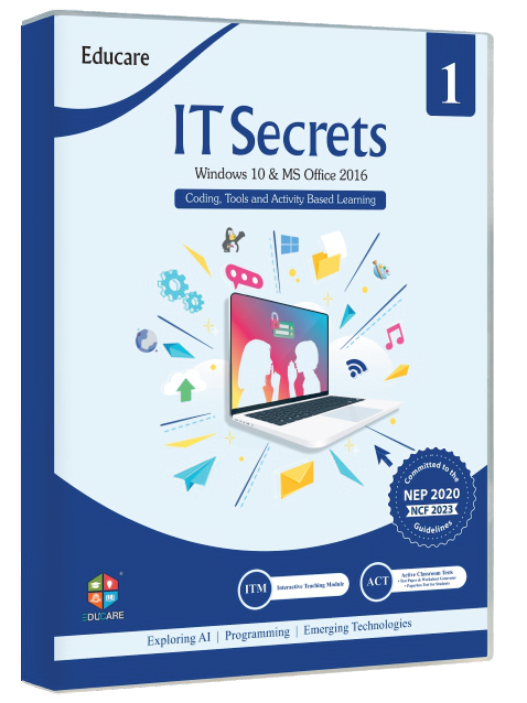
IT Secret Classes 1–8 Win 10 · Office 2016 8 ₹260–495
Cyber World Classes 1–8 Win 10 · Office 2016 8 ₹230–445
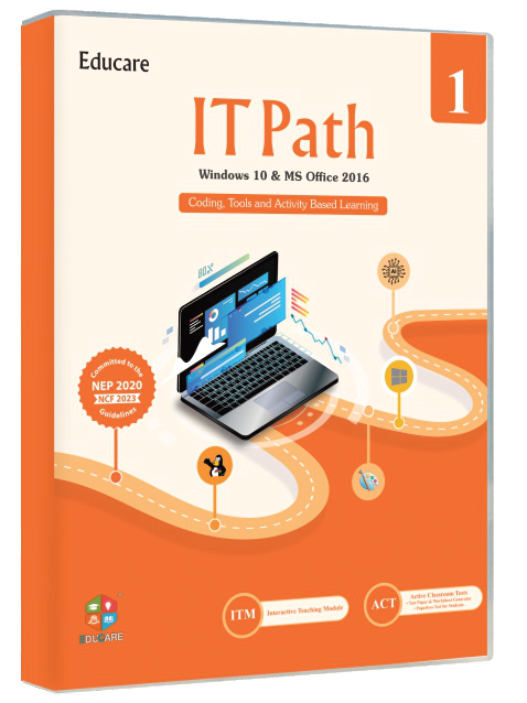
IT Path Classes 1–8 Win 10 · Office 2016 8 ₹230–385
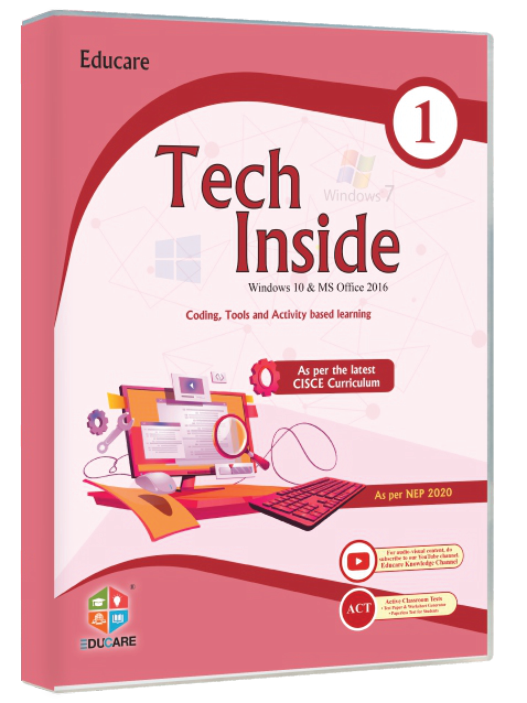
Tech Inside Classes 1–8 Win 10 · Office 2016 8 ₹250–495
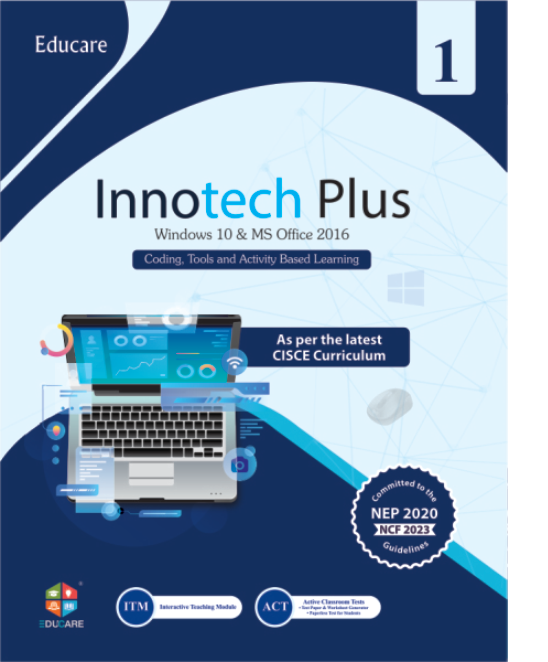
Innotech Plus Classes 1–8 Win 10 · Office 2016 8 ₹260–495
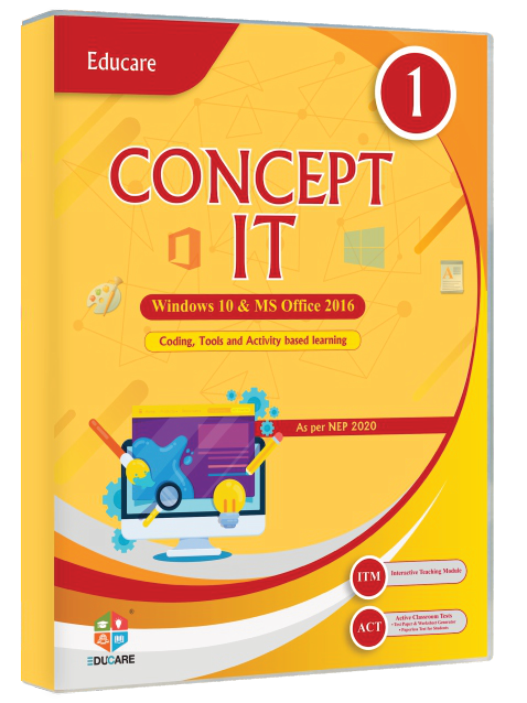
Concept It Classes 1–8 Win 10 · Office 2016 8 ₹240–480
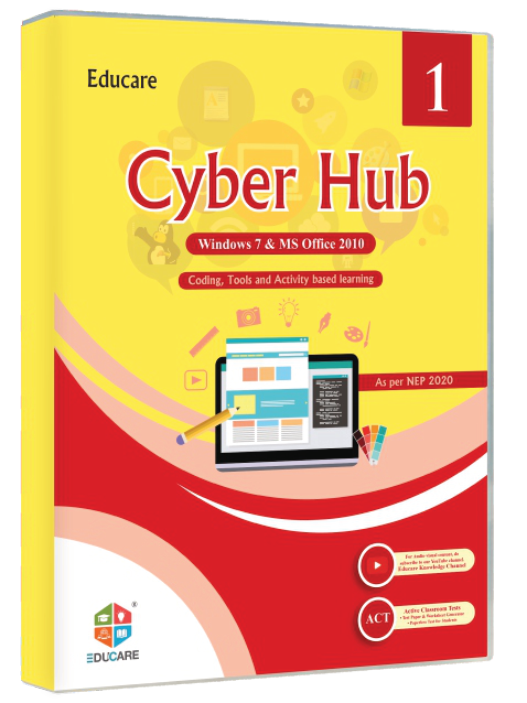
Cyber Hub Classes 1–8 Win 7 · Office 2010 8 ₹230–480
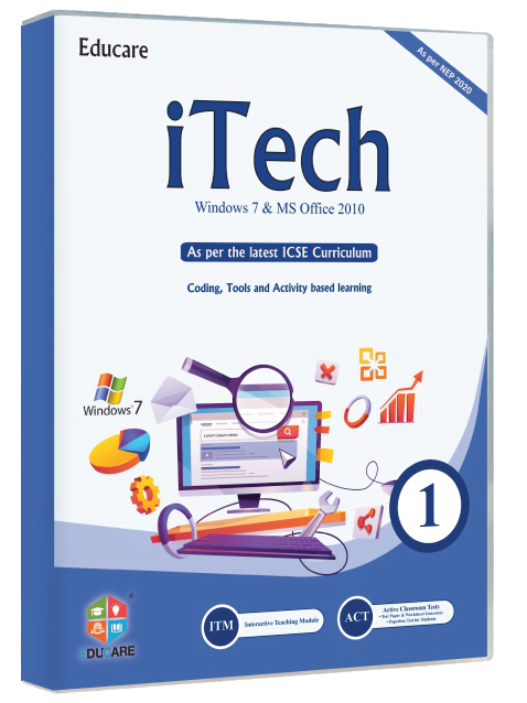
iTech Classes 1–8 Win 7 · Office 2010 8 ₹250–485
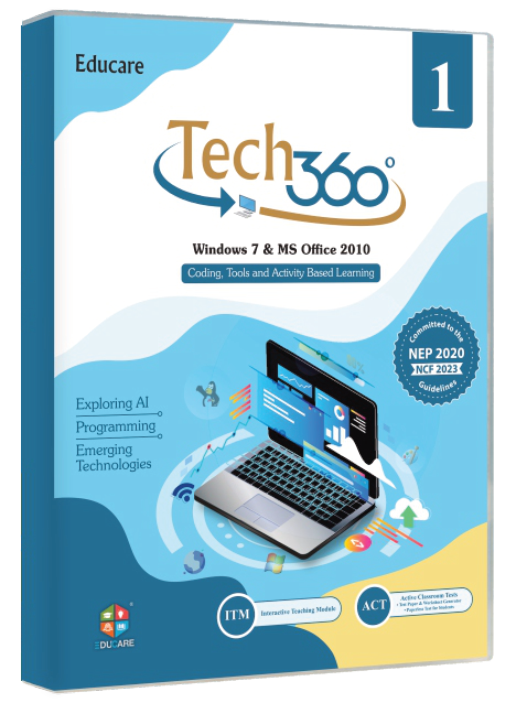
Tech 360 Classes 1–8 Win 7 · Office 2010 8 ₹215–350
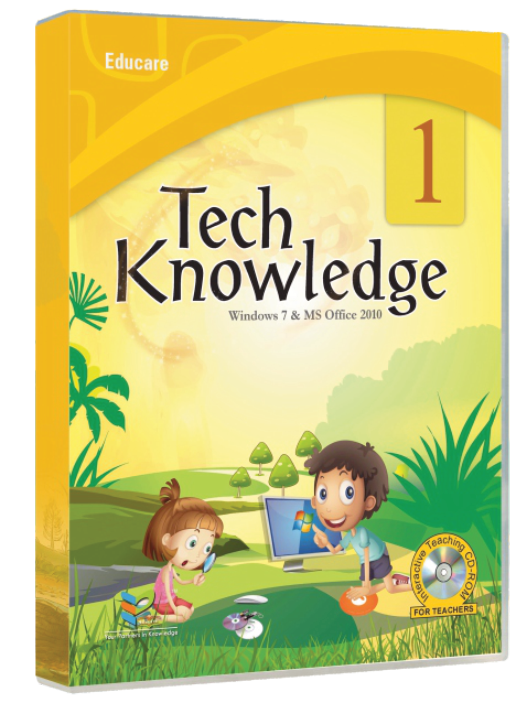
Tech Knowledge Classes 1–8 Win 7 · Office 2010 8 ₹195–345
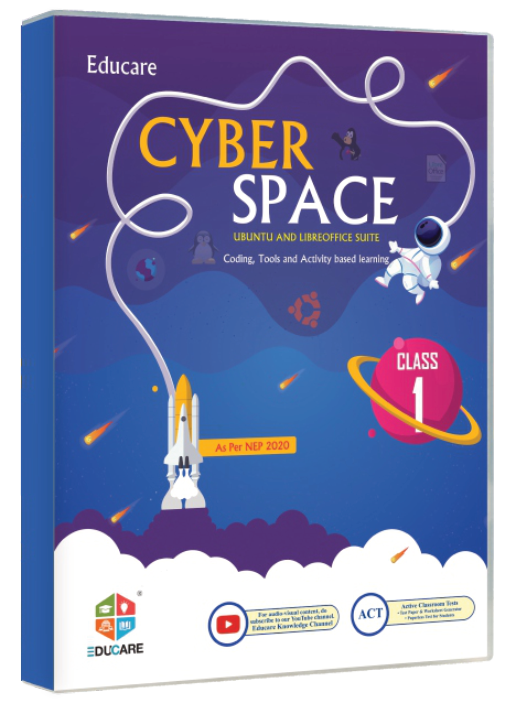
Cyber Space Classes 1–8 Ubuntu · LibreOffice 8 ₹250–490
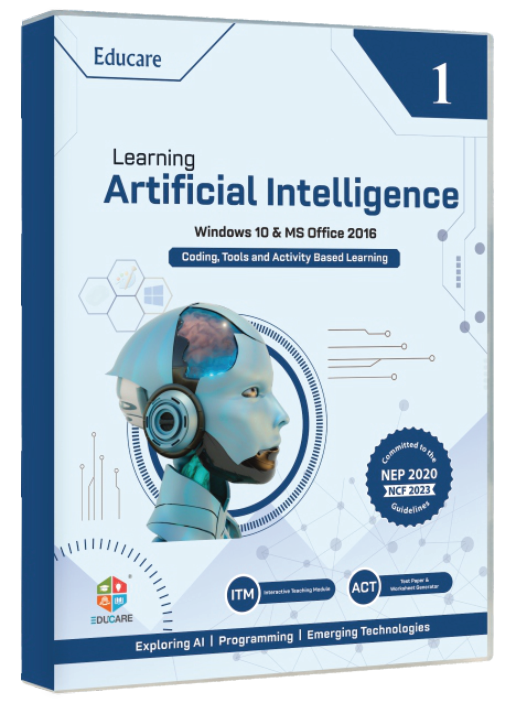
Artificial Intelligence Classes 1–10 CBSE Code 417 10 ₹260–765 Code 417
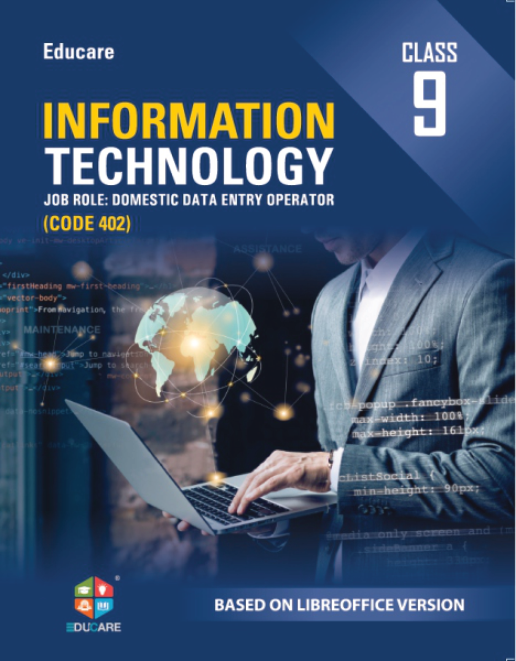
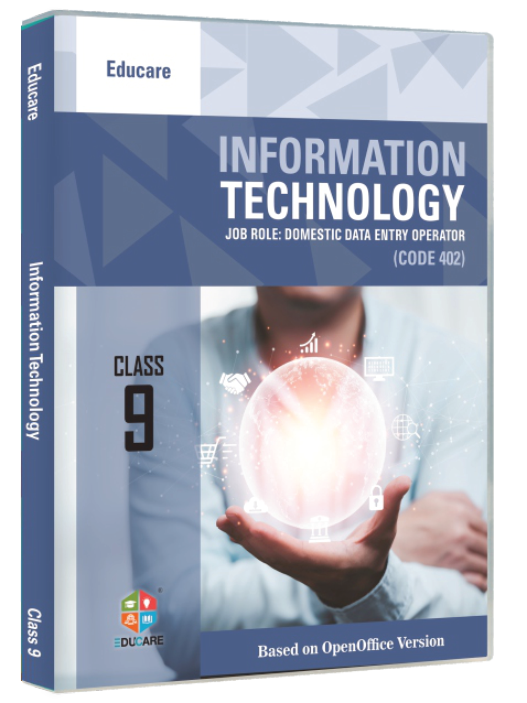
Information Technology Classes 9–10 LibreOffice · CBSE Code 402 2 ₹725–725 Code 402
Information Technology Classes 9–10 OpenOffice · CBSE Code 402 2 ₹599–599 Code 402
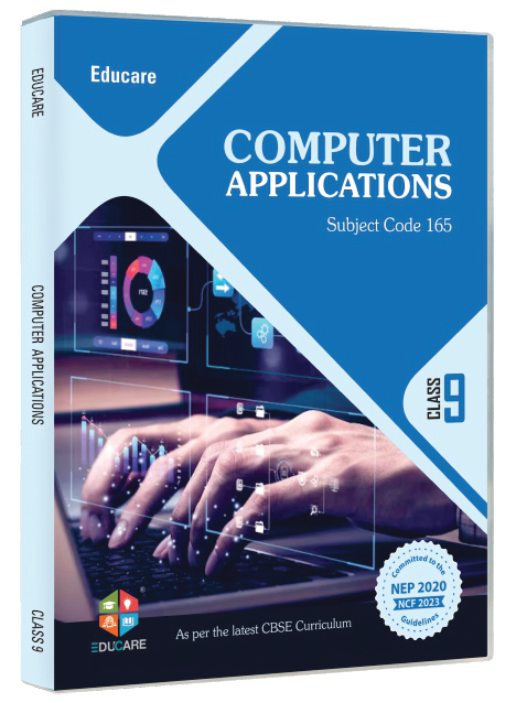
Computer Applications Classes 9–10 CBSE Code 165 2 ₹595–595 Code 165

On the site: The Books landing page; the client-side filter here becomes real query strings (/books?classes=9-10) on the site.

0/200

Stats counters band

A dark band with four counters that count up when they scroll into view. Every number is read from the catalogue data, so it never goes stale.

  • stats
  • counter
  • dark band

Educare in numbers

Computer books for Indian schools since 2011.

Published from Karnal, Haryana, for CBSE, ICSE and State-board schools; graded to NCERT guidelines.

Book series
0
Titles in print
0
Classes covered
0
School solutions
0

On the site: Home or About, once per page, as the dark band between two light ones.

0/200

Banner strips — NEP 2020 · CBSE codes

Two thin alignment strips: a static wrapping strip for the top of a page, and a marquee strip with a pause control for above the footer.

  • strip
  • marquee
  • badges

A · Static strip

  • NEP 2020 aligned
  • NCERT graded
  • CBSE · ICSE · State boards
  • Code 165 Computer Applications
  • Code 402 Information Technology
  • Code 417 Artificial Intelligence

B · Marquee strip

NEP 2020 aligned, NCERT graded, CBSE · ICSE · State boards, Code 402 Information Technology, Code 417 Artificial Intelligence, Code 165 Computer Applications, Specimen copies for schools, Teacher's Resource Manual with every series.

On the site: Static strip directly under the header on Books and Series pages; marquee strip above the footer on Home.

0/200

Windows is set to reduce animation. This proposal plays its full motion so you can judge it.

Motion is off