


Elements · Structure

Hero sections

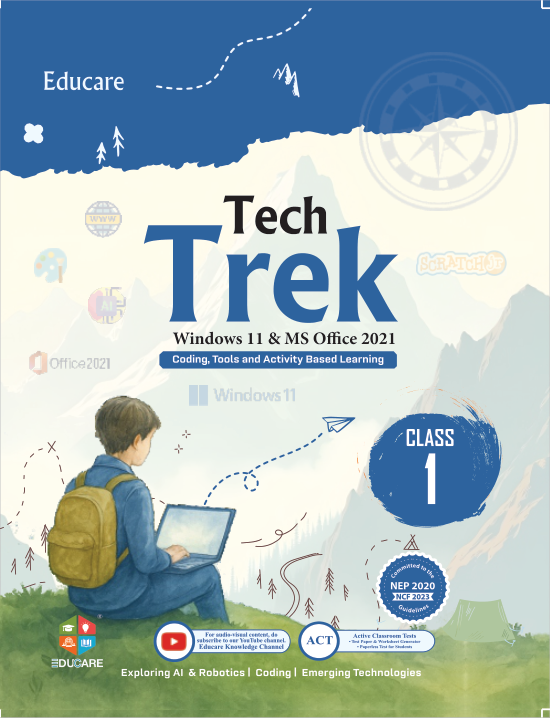
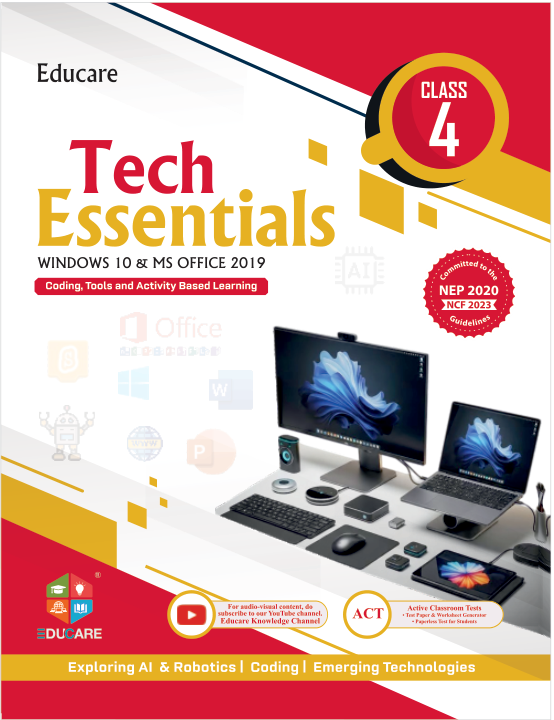
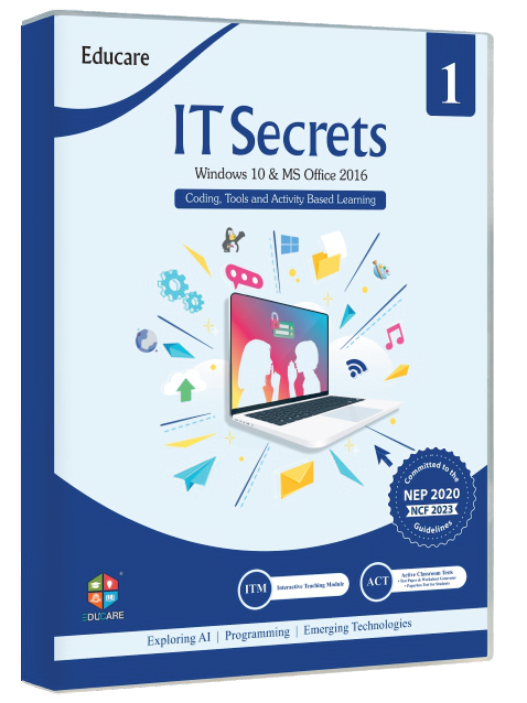
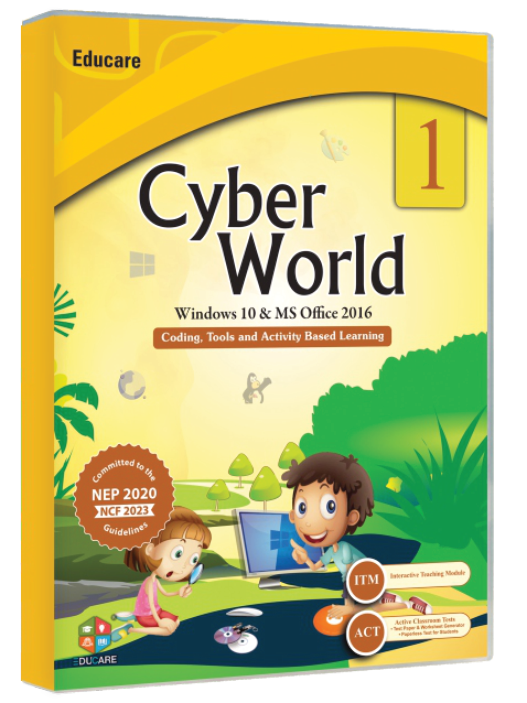
The hero sets the tone for the whole site in the first second. These variations range from a quiet split layout with tilted book covers to a full-bleed classroom photo with a stats row and a search-first hero that finds the right book for a class. Every one uses real Educare series and covers.

6 variations

Select every variation you like — your picks are saved in this browser.

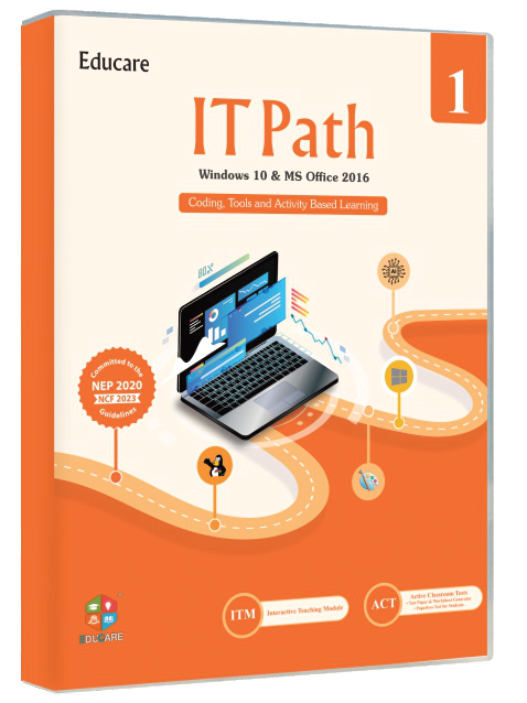
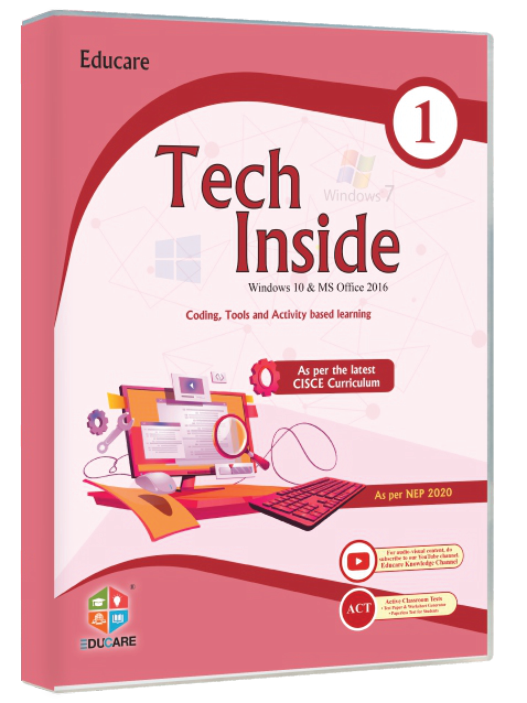
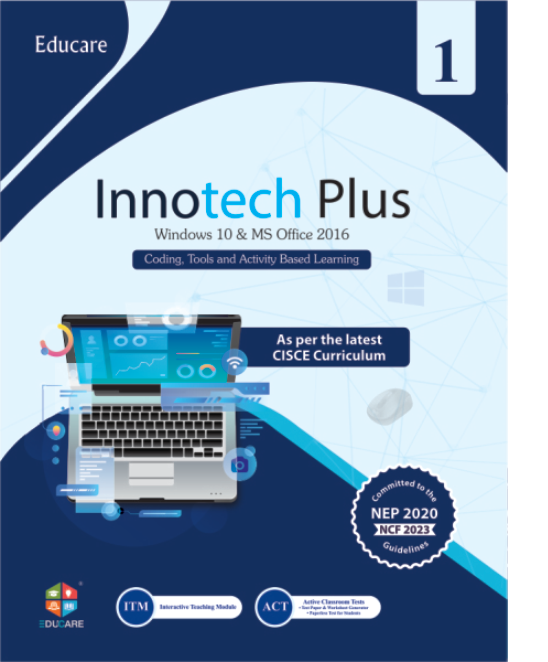
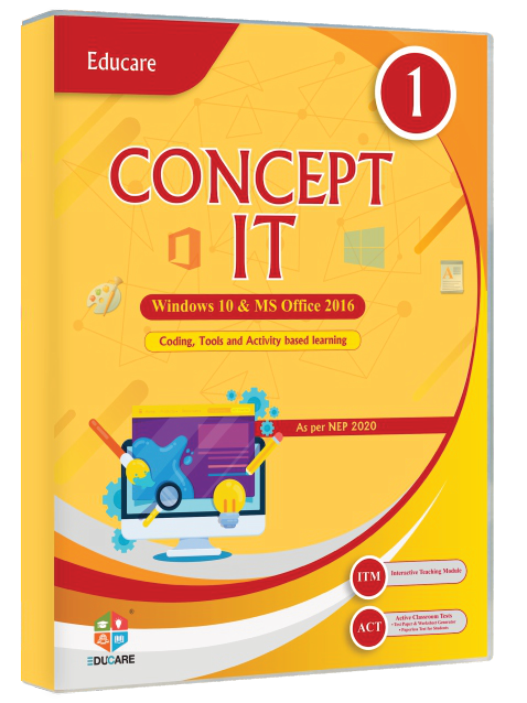
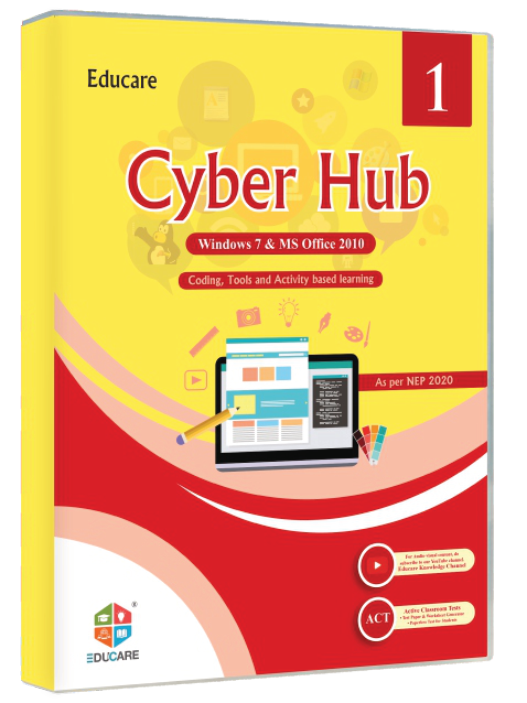
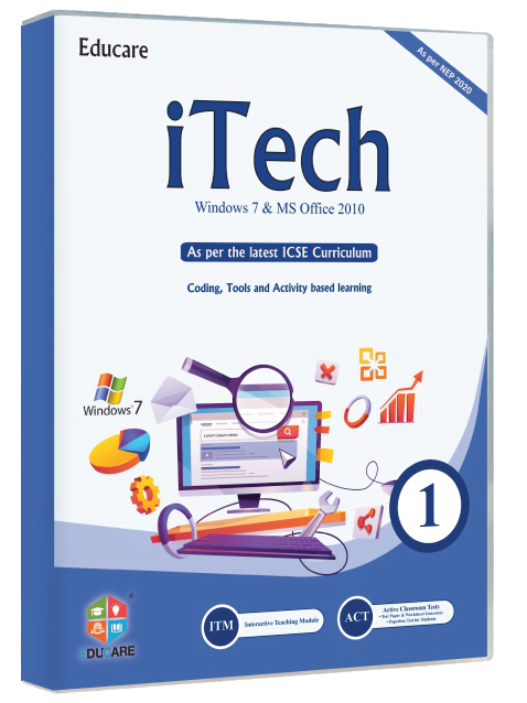
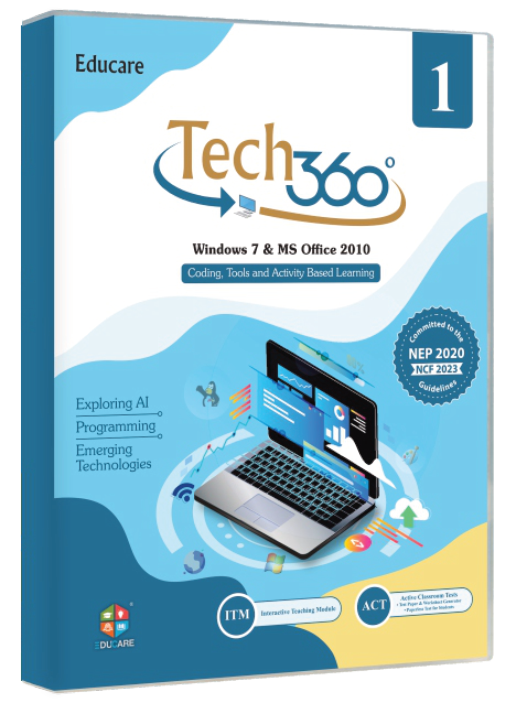
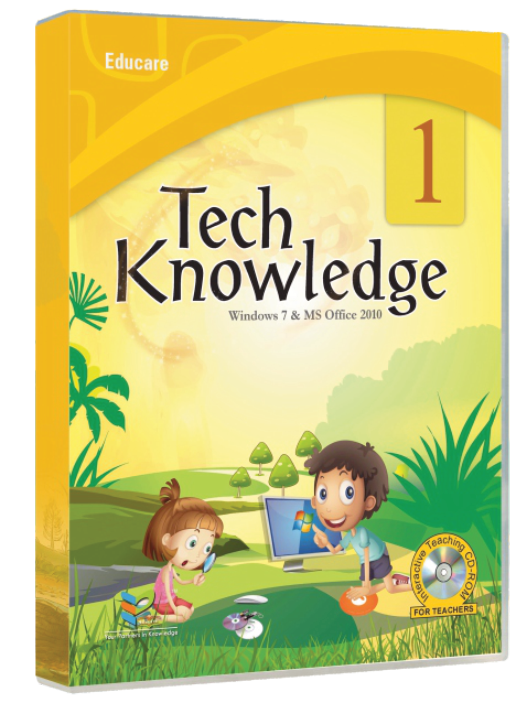
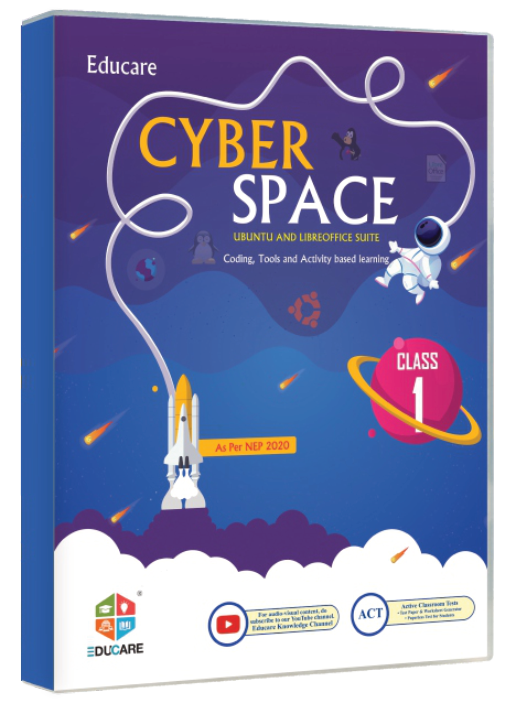
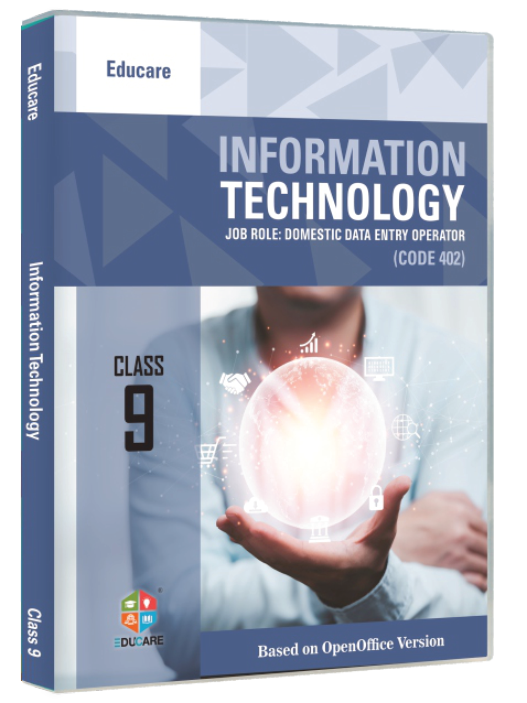
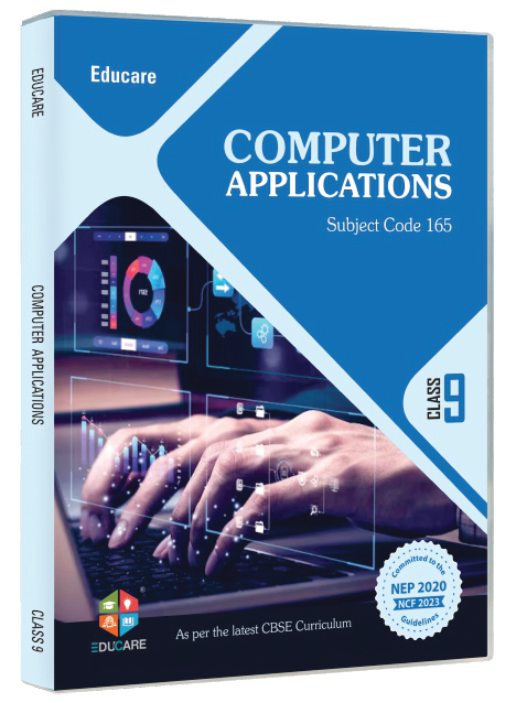
Split copy with fanned covers

Copy on the left, five real covers fanned on the right. The fan springs open on scroll, every cover tilts in 3-D on hover and lifts on focus.

  • covers
  • 3-D tilt
  • split

Computer books for KG to Class 10

Computer books your teachers will actually teach from.

Eighteen series written to CBSE, ICSE and state syllabi, each backed by interactive modules, ready tests and a teacher's manual, so the lesson is prepared before the bell.

  • NEP 2020 aligned
  • CBSE codes 417 · 402 · 165
  • 18 series · 128 titles

On the site: Home page. The headline becomes the H1, the five covers are the newest series and each links to its series page. The tilt is hover-only; on touch the covers are plain links.

0/200

Full-bleed classroom photo with stats

A duotone stock photo under an ink gradient, copy in the bottom third and four counters in a strip. Switch the treatment to compare duotone with the natural photo.

  • photo
  • duotone
  • stats
Indian classroom full of students sitting at desks

Educare Knowledge India · Karnal, Haryana

Your Partners in Knowledge.

Computer-science textbooks for KG to Class 10 and the classroom tools to teach them: interactive modules, tests, manuals and workshops for your school.

Book series
0
Titles in print
0
Years in computer education
0
States served
0

Photo: CIMT HOOGHLY · Unsplash License

On the site: Home or About. The photo is served eager with fetchpriority="high" at 1600 px; the counters read from the catalogue so the numbers never go stale. Copy stays in the bottom 40 % of the image, in ink-inverse over the ink gradient.

0/200

Gradient mesh with floating cover marquee

The four logo hues drift as a mesh behind centred copy; two rows of real covers glide past underneath, bob gently, and pause on hover, focus or the button.

  • mesh
  • marquee
  • centred

Tech Trek · Artificial Intelligence · Cyber Hub · Tech 360

Tomorrow's classroom, in this year's syllabus.

AI, coding, cyber safety and office tools, taught at the right age. Every series is mapped to a class, a platform and a board, and comes with a specimen copy for your review.

On the site: Home or the Books landing page, where the site should feel most future-ready. The mesh and the bobbing are CSS loops, the rows pause on hover, focus and the button, and everything goes static under reduced motion.

0/200

Illustration slot with kid-friendly shapes

Copy for parents and students beside an illustration panel: soft shapes in the four logo hues bob around a 1:1 slot that holds an animated Lottie icon or a static SVG.

  • illustration
  • Lottie
  • students

For students and parents · Classes 1–8

Learn computers the way kids actually like.

Bright, step-by-step books with activities, projects and safe-internet lessons, from first clicks in Class 1 to coding and AI in Class 8.

  • Typing, painting and files
  • Scratch and Python
  • Cyber safety
  • AI basics

Illustration slot · 1:1 · Lottie or SVG

On the site: Students and parents landing page, or the Class 1–8 page. The slot is 1:1; drop in a commissioned Lottie or SVG illustration. The shapes bob only while the hero is visible and stop under reduced motion.

0/200

Search-first: find the right book for a class

The headline is a question and the hero is the answer: pick a class, narrow by platform or type a series name, and the matching books appear with part, ISBN and price.

  • search
  • filter
  • ISBN

On the site: Books landing page, or the home page if finding a book is the main job. The filter runs without a page load; on the live site the form also submits to /books?class=5 so search engines and no-JS visitors get the same results.

0/200

Scroll-snap carousel, three slides

Three messages, a series launch, the classroom kit and the specimen offer, in a native scroll-snap track. Autoplay pauses on hover, focus, hidden tabs and reduced motion; swipe, arrows, dots and keys all work.

  • carousel
  • autoplay
  • photo

On the site: Home page when there are three current messages (a launch, the solutions, the specimen offer). Autoplay is 6 s and pauses on hover, focus, hidden tabs and reduced motion; the slides are native scroll-snap, so swiping works on touch and the arrow keys work from the keyboard.

0/200

Windows is set to reduce animation. This proposal plays its full motion so you can judge it.

Motion is off