

Elements · Interaction

Modals, drawers, toasts & banners

Everything that appears on top of the page. These variations show modal dialogs, side drawers, toast positions and tones, tooltips, popovers, a notification bar, a cookie-consent banner, skeleton loaders and a page-transition curtain, each with focus handling and an Escape key.

6 variations

Select every variation you like — your picks are saved in this browser.

Modal dialogs

Centred dialogs in three sizes: a specimen-request form, a confirm step and a scrolling ISBN table.

  • form
  • confirm
  • focus trap

Form in a modal

Medium size. Focus lands on the first field, Tab cycles inside, and Escape, the scrim or Close all return focus to this button.

Confirm step

Small alert dialog for anything destructive. The safe choice takes focus first; the red button is never the default.

Scrolling content

Large size with a sticky table head. Only the body scrolls; the title and the actions stay put on every screen size.

  • Page behind goes inert and stops scrolling
  • Escape, scrim click and Close all work
  • Focus returns to the button that opened it
  • Spring entrance; instant under reduced motion

On the site: The form modal is “Request a specimen” on every book and series card; the alert dialog guards removals and cancellations; the scrolling modal opens ISBN tables from a card. Never open a modal on page load.

0/200

Side drawers & bottom sheet

A right drawer for the specimen list, a left drawer for catalogue filters and a bottom sheet for quick choices on touch.

  • right
  • left
  • bottom sheet

Right drawer

The specimen list with copy counts. Full width on phones, 26 rem on desktop, slides in with the emphasized ease.

Left drawer

Catalogue filters. The button counts matching series as you tick, so nobody lands on an empty page.

18 of 18 series match

Bottom sheet

A thumb-reach picker for phones; on desktop it stays a centred sheet. Choose a class to update the book below.

Learning Artificial Intelligence (Part 5) · ISBN 978-81-977773-8-7 · ₹390

On the site: Right drawer for the specimen list and the mobile menu, left drawer for filters on the Books listing, bottom sheet for class and platform pickers on phones. Drawers keep the page context; modals interrupt it.

0/200

Toasts

Six positions, four tones, light or dark, auto-dismiss with a progress bar that pauses on hover and focus, optional action.

  • positions
  • tones
  • aria-live
Position
Style
Options

Fire a toast

All four tones at rest

Specimen request sent for Tech Trek (Part 6).

Tech Update: Tech Trek is now on Windows 11 & MS Office 2021.

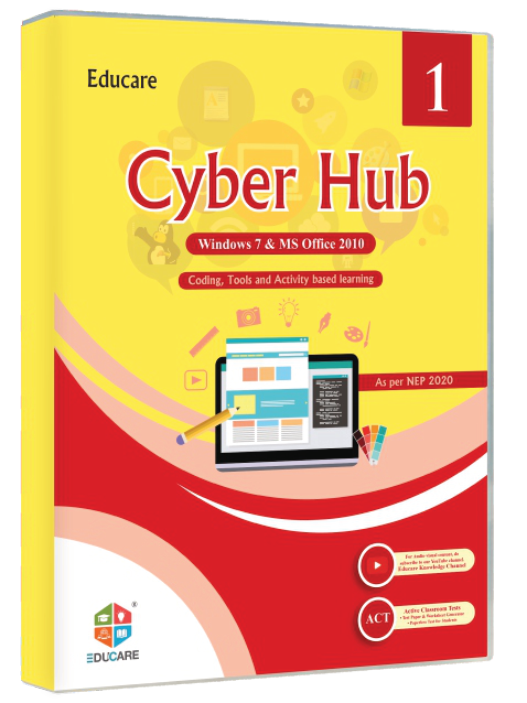
Only 2 specimen copies of Cyber Hub (Part 8) are left this month.

The request could not be sent — check the school email address.

On the site: One position for the whole site (bottom right on desktop, bottom centre on phones), success and info for form submits and copy actions, warning for stock notes, error toasts that stay until dismissed. Success and info announce politely; errors use role="alert".

0/200

Tooltips & popovers

Hover-and-focus tooltips in four placements, and click popovers with a price table, share actions and a small help dialog.

  • tooltip
  • popover
  • escape

Tooltips — hover or Tab to a button; Escape hides

International Standard Book Number — unique to each part and edition; quote it when ordering. Top · describes
Eight parts, one per class, on Windows 11 and MS Office 2021. Bottom · describes
Download the Teacher's Resource Manual sample (PDF) Left · names an icon button
Software support: +91 184 225 4445 Right · names an icon button

Popovers — click to open; Escape or a click outside closes

Tech Trek · per copy

Tech Trek price by class
ClassBookPrice
1Tech Trek (Part 1)₹295
2Tech Trek (Part 2)₹385
3Tech Trek (Part 3)₹485
4Tech Trek (Part 4)₹515
5Tech Trek (Part 5)₹525
6Tech Trek (Part 6)₹555
7Tech Trek (Part 7)₹565
8Tech Trek (Part 8)₹575

Share Tech Trek

On the site: Tooltips only for short hints on icons and ISBN/class labels — never for content that matters on touch. Popovers for per-class prices on series cards, share actions on book pages and the “Need help?” contact card in the header.

0/200

Notification bar & cookie consent

Announcement strips above the header in three tones, and a consent banner with a preferences dialog — both remember what was dismissed.

  • top bar
  • consent
  • storage

New. Tech Trek is now on Windows 11 & MS Office 2021 for Classes 1–8.

Teacher workshops for the 2026–27 session are open for booking. See the dates

The Karnal office is closed on 15 August. Orders placed that day ship on 16 August.

All bars showing

Cookie consent banner

Bottom-left card, not modal, keyboard reachable in page order. “Manage preferences” opens a dialog with switches. The choice is stored in this browser, so the banner appears only once.

No choice stored — the banner shows on the next visit.

On the site: One announcement bar at a time above the header (new edition, workshop dates, holiday shipping), dismissable for the session. The consent banner appears on the first visit only, never blocks the page, and its dialog is the only place analytics can be switched on.

0/200

Skeleton loaders & page curtain

Skeleton cards hold the layout while the catalogue loads, and a page-transition curtain carries the reader from Home to a series page.

  • loading
  • transition

Skeleton loaders

Same size as the real cards, so nothing jumps when the data arrives; the shimmer stops under reduced motion.

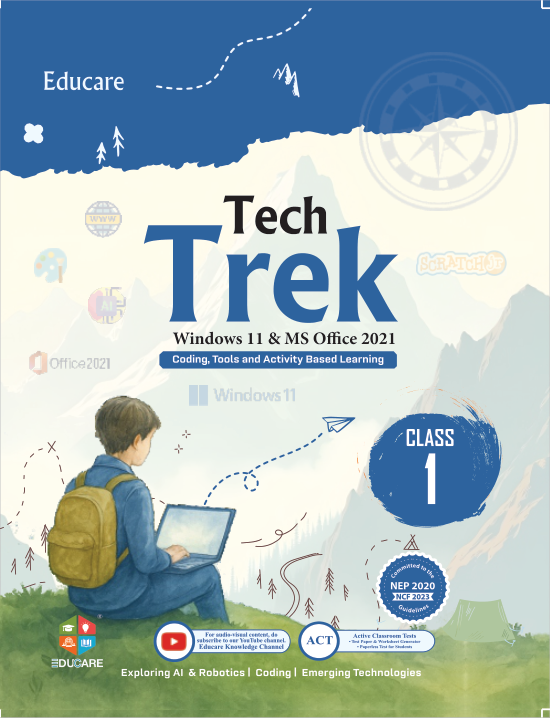
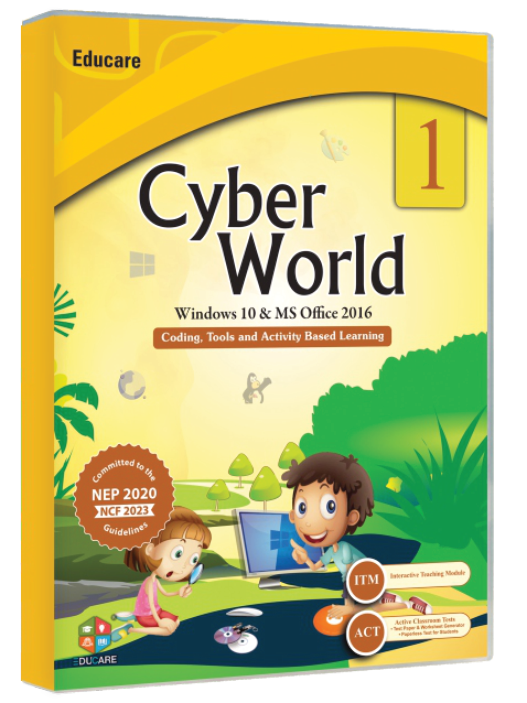
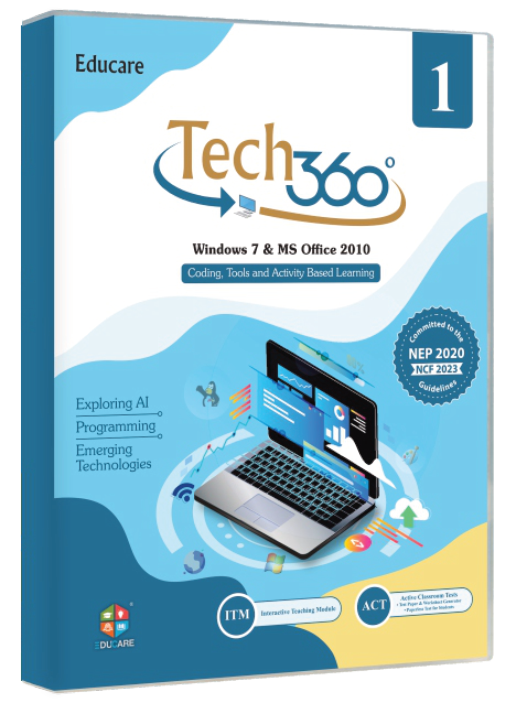
Tech Trek cover, Classes 1–8

Tech Trek

Win 11 · Office 2021 · Classes 1–8

from ₹295

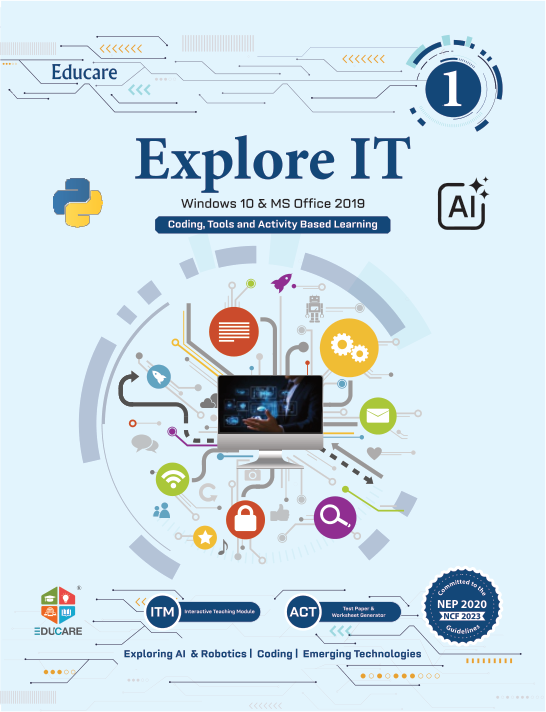
Explore It cover, Classes 1–8

Explore It

Win 10 · Office 2019 · Classes 1–8

from ₹280

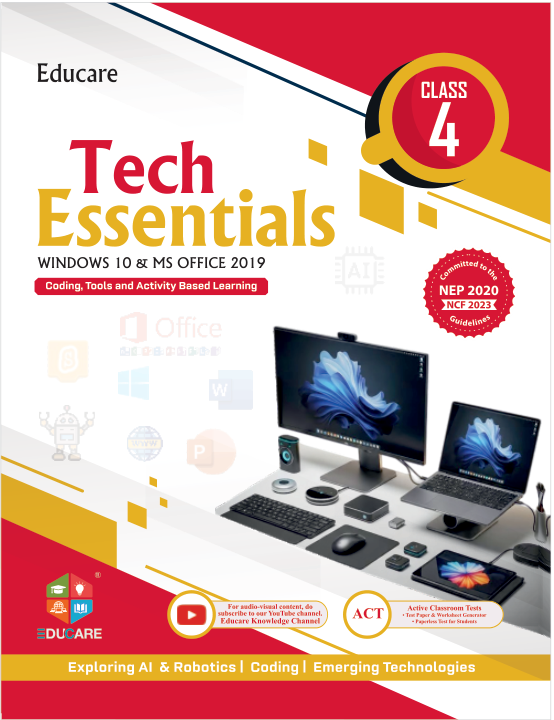
Tech Essentials cover, Classes 1–8

Tech Essentials

Win 10 · Office 2019 · Classes 1–8

from ₹259

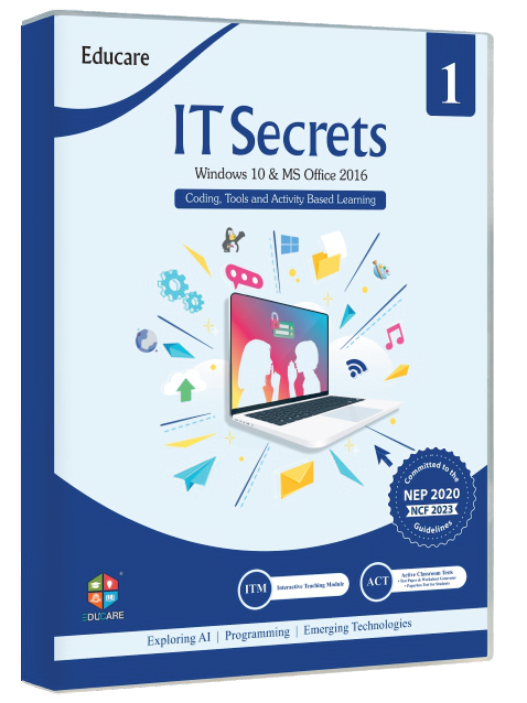
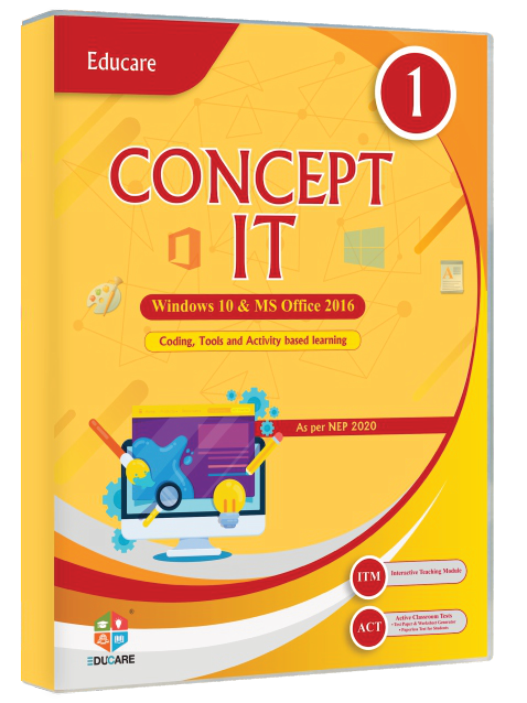
IT Secret cover, Classes 1–8

IT Secret

Win 10 · Office 2016 · Classes 1–8

from ₹260

4 series loaded.

Page-transition curtain

A curtain in the CTA gradient wipes up with the mark, the page swaps behind it, and the new blocks stagger in. Reduced motion swaps instantly.

Your Partners in Knowledge

Curriculum-true computer education, built with teachers.

On the site: Skeletons for the Books grid, search suggestions and the news list while data loads (never longer than a second before real content or an error). The curtain is optional polish for Home → series and series → book; keep it under 600 ms and off under reduced motion.

0/200

Windows is set to reduce animation. This proposal plays its full motion so you can judge it.

Motion is off