










Elements · Components

Forms

The specimen request and the contact form are the two conversions on the site. These variations compare a single form with a three-step wizard that saves progress, then show newsletter, search-with-suggestions, label styles, validation states and a résumé dropzone. Every demo submits to a toast.

8 variations

Select every variation you like — your picks are saved in this browser.

Specimen request — single form

One page in three groups: school, books, delivery. Validates on blur, error summary on submit, success panel with the courier promise.

  • conversion
  • validation
  • photo

Request specimen copies

Free for schools evaluating a series. The books leave Karnal within 5 working days.

1Your school

10 digits; WhatsApp preferred for courier updates

2Books
Series to evaluate

Pick one or more. We send one specimen copy per series for each class you choose.

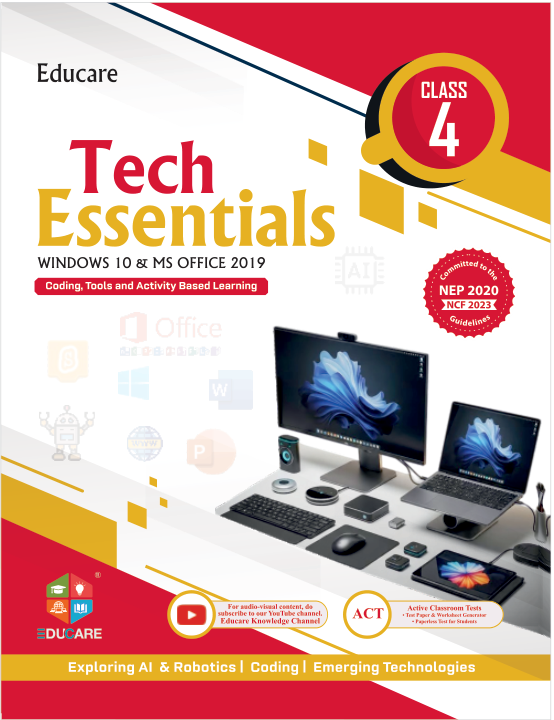
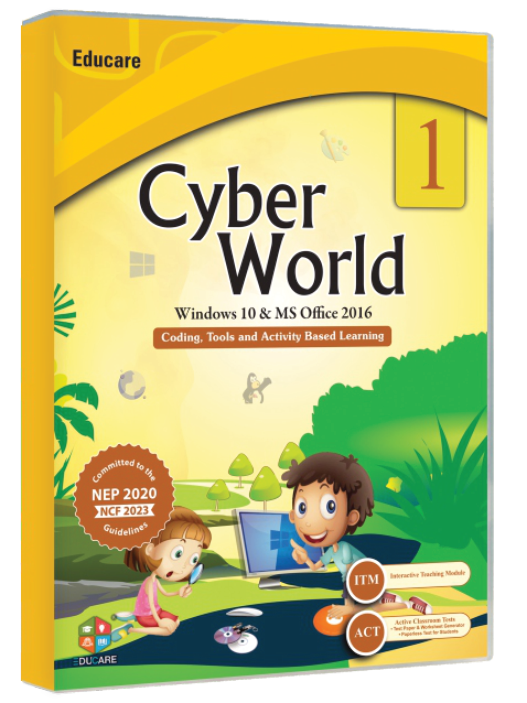
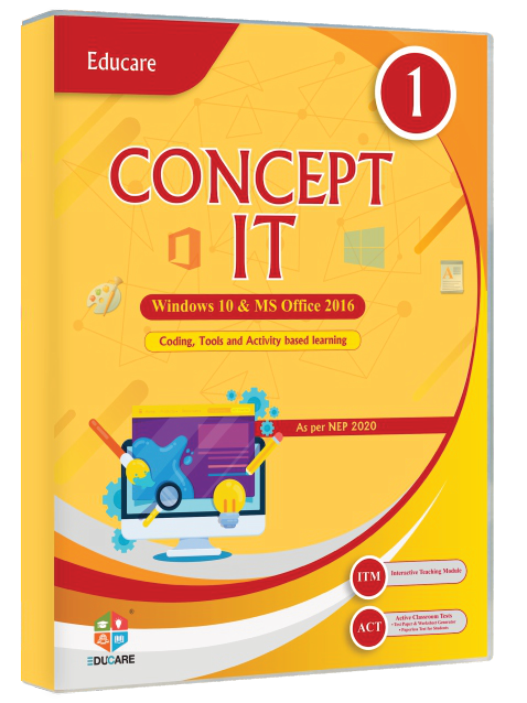
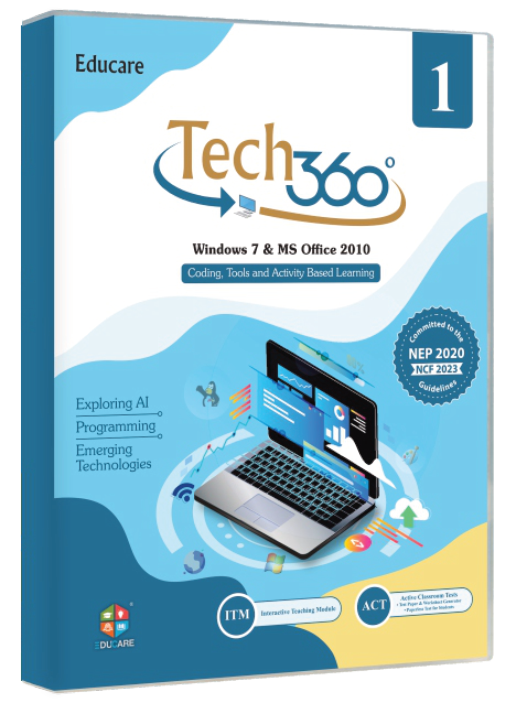
Classes 1–8 · Windows 10 & 11

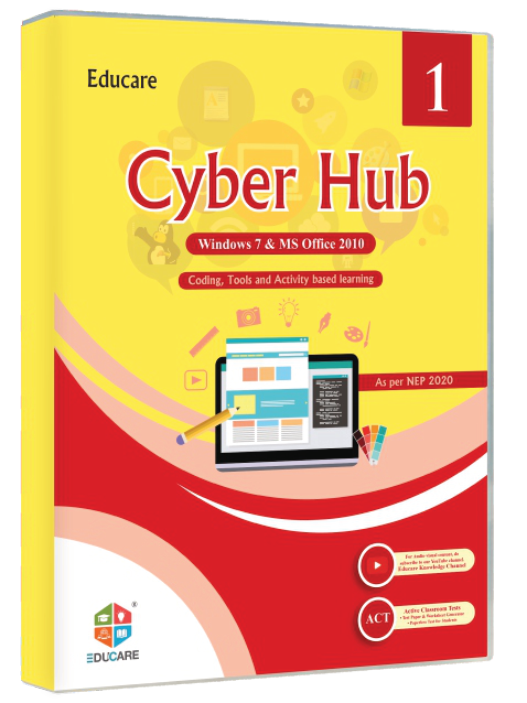
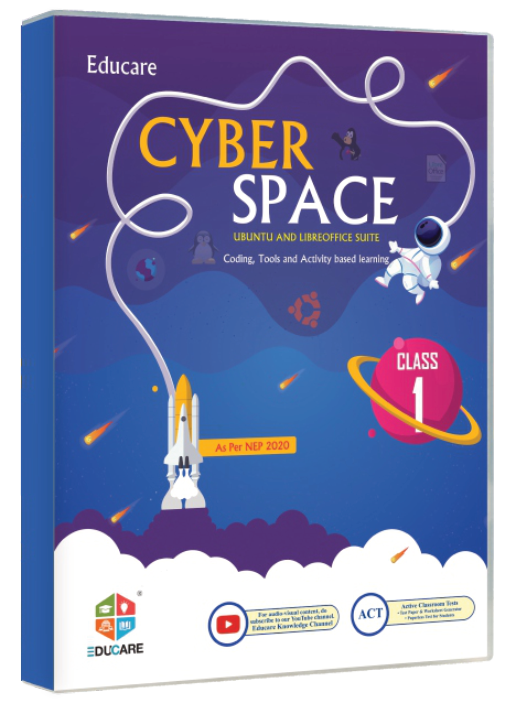
Classes 1–8 · Windows 7 & open source

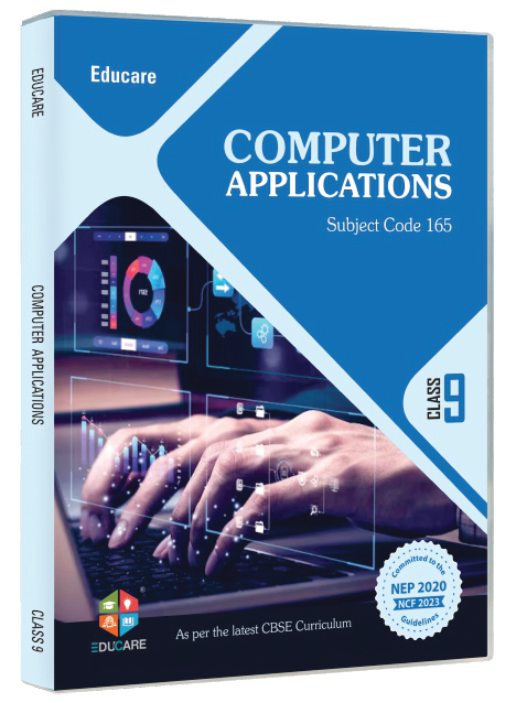
Classes 9–10 · CBSE skill subjects

0 selected

Classes

The classes you teach or are planning for.

3Delivery

We use these details only to send the books and follow up once. No newsletter unless you ask.

Request received — thank you

A confirmation is on its way to . The parcel is addressed to , .

Series
selected
Classes
Dispatch
Within 5 working days by courier

On the site: The /specimen-request page for schools that already know what they want: one page under the header CTA, reassurance rail beside it, posts to the sales inbox with the courier ETA in the reply.

0/200

Specimen request — 3-step wizard

Same fields split into school, books and delivery. Progress and validation per step, autosave to this browser with a resume banner, review before sending.

  • conversion
  • wizard
  • save & resume

You have an unfinished request from . Pick up where you left off?

Step 1 · Your school

10 digits

Step 2 · Books to evaluate

Series to evaluate

Pick one or more. We send one specimen copy per series for each class you choose.

Classes 1–8 · Windows 10 & 11

Classes 1–8 · Windows 7 & open source

Classes 9–10 · CBSE skill subjects

0 selected

Classes

The classes you teach or are planning for.

Step 3 · Delivery and review

Review

School
Contact
Series
Classes

Request sent — thank you

We will confirm to and courier series for classes to , .

On the site: The same /specimen-request page when the ask is bigger (several series, classes and a delivery address). Progress lives in localStorage for a week, so the form can be finished after a staff-room conversation.

0/200

Contact form

Name, email, phone, a subject that routes to the right desk, and a message with a counter. Contact details and hours beside it.

  • contact
  • validation
  • routing

Send us a message

Tell us the school and the series if the question is about books; we reply within one working day.

Optional — for a call back

600 characters left

Goes to the desk.

Message sent

Thanks, . The desk replies to within one working day.

On the site: The /contact page and the "Didn't find the answer?" block under the FAQs. The subject selects the inbox (sales, software support, workshops, careers) so nothing waits in a shared mailbox.

0/200

Newsletter — inline placements

The Tech Updates signup as a one-line bar, a card with consent, and a dark band. Each validates the email and confirms in place.

  • newsletter
  • inline
  • dark band

Tech Updates, once a month

What changed in Windows, Office and the CBSE codes, and which chapters we revised because of it.

Check for a confirmation link.

Get the next Tech Update

For computer teachers: one email a month, no sales follow-up.

Thanks, . Confirm the link we sent to .

Tech Updates

What changed in the syllabus this term?

Windows 11 rollout notes, the new AI unit for Class 8, CBSE code 417 revisions — in one email a month.

One email a month. Unsubscribe in one click.

You are nearly on the list — confirm from .

On the site: The bar goes in the footer on every page, the card sits beside News articles and Tech Updates posts, the band is a CTA between sections on Solutions and Books pages. All three post to the same double-opt-in list.

0/200

Search with suggestions

A combobox over the real catalogue: series, book titles, classes and ISBNs. Arrow keys move, Enter opens, Escape clears; up to eight suggestions with covers.

  • search
  • combobox
  • isbn

Try:

On the site: The header search and the Books landing page. Teachers type a series or a class; distributors and purchase officers paste an ISBN. Enter with nothing highlighted goes to the full results page.

0/200

Label styles — top, floating, inline

The same three fields three ways. Pick one style for the whole site; each column validates and saves.

  • labels
  • floating
  • inline

Top labels Recommended

Label above the box: reads well at 375, works with long labels, and the help text sits under the control.

We reply from the Karnal office

Floating labels

Label inside the box, lifts on focus or when filled. Compact; keep labels to two or three words.

We reply from the Karnal office

Inline labels

Label to the left from tablet up, stacked on phones. Good for short admin-style forms like the specimen review step.

We reply from the Karnal office

On the site: One label style for every form on the site. Top labels suit the long specimen and careers forms; floating suits compact spots such as the newsletter bar and search; inline suits the review and account-style screens.

0/200

Validation and field states

Every state a control can be in, with the message copy the site ships. Then a live demo: blur to validate, ticks on success, error summary on submit.

  • states
  • validation
  • copy

Default

Placeholder is an example, never the label.

Focus

2 px primary ring, no shadow — the same ring as every focus-visible on the site.

Filled

Ink text on surface; border stays line-strong.

Error

Enter a 10-digit Indian mobile number.

Success

Looks good

Disabled

Muted text on surface-2; not focusable.

Read-only

Dashed border; focusable and selectable, not editable.

Select

Try it: blur to validate, submit to see the summary

Looks good

10 digits, +91 optional

Looks good

6 digits, e.g. 132001

Looks good

Board

Saved — every field passed.

On the site: The rules every form inherits: validate on blur, re-check while typing only after an error, tick valid fields, summarise on submit with links to the fields, and keep message copy specific ("Enter a 10-digit Indian mobile number", not "Invalid input").

0/200

Résumé upload dropzone

Careers application with a drag-and-drop area, a keyboard-reachable browse button, type and size checks, upload progress and removable file rows.

  • careers
  • upload
  • dropzone

Apply to Educare

Authors, reviewers, trainers and school relationship roles across India. We read every résumé.

Résumé

Drag your résumé here or

PDF or Word, up to 5 MB each. Add a cover letter as a second file if you like.

Or email your résumé to career@myeducare.in.

Application received

Thanks, . We reply to from career@myeducare.in within a week.

Role
Files

On the site: The "Submit a résumé" form on /careers and the "Write for Educare" author form. Files are checked for type and size in the browser before upload; the server repeats the check and stores nothing until the honeypot and the email pass.

0/200

Windows is set to reduce animation. This proposal plays its full motion so you can judge it.

Motion is off