Elements · Content

Content blocks & typography

Long-form reading for news, teacher tips and legal pages. These variations set the article measure, the sticky table of contents, pull quotes, icon lists, responsive ISBN and price tables, teacher-tip callouts, keyboard and code badges for the tech books and a Devanagari sample.

6 variations

Select every variation you like — your picks are saved in this browser.

Article with sticky table of contents

Long-form news or teacher-tip article: 65-character measure, sticky “On this page” navigation with reading progress, and reader controls for measure and text size.

  • long-form
  • sticky TOC
  • measure
Measure
100 %

Tech Updates 18 August 2026 4 min read

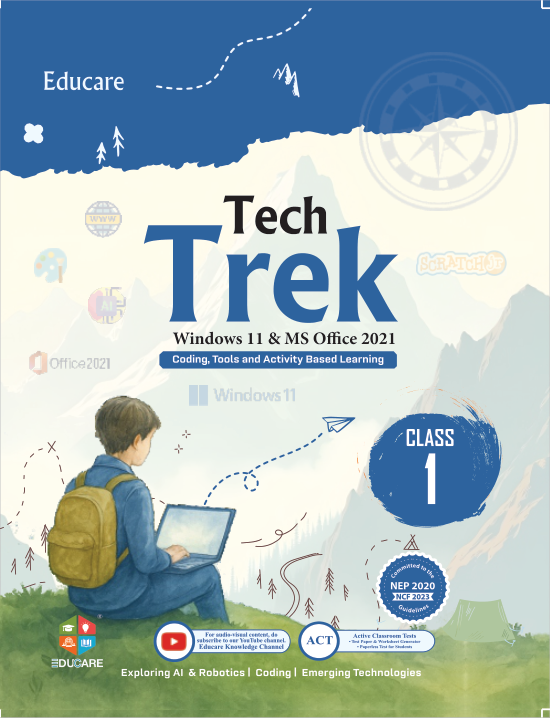
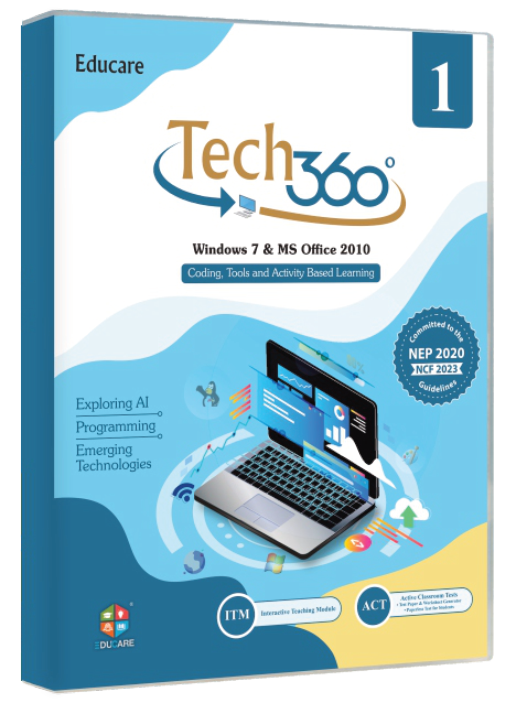
Tech Trek brings Windows 11 and Office 2021 to Classes 1–8

Educare's newest eight-part computer series moves the primary and middle-school syllabus to Windows 11 and Microsoft Office 2021, with a Teacher's Resource Manual, ITM lessons and ACT tests for every part.

What changes in the classroom

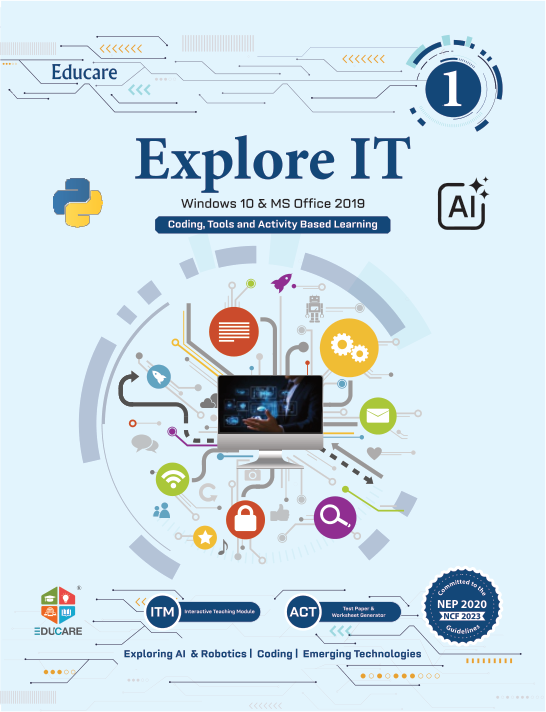
Tech Trek is the Windows 11 edition of Educare's Classes 1–8 series for schools that have upgraded their labs; Explore IT stays in print for Windows 10 and Office 2019 labs. The chapters on the desktop, File Explorer and Settings are rewritten for Windows 11, and the Office chapters use the 2021 ribbon, so the screenshots match what the student sees on screen.

The series keeps the graded approach of every Educare title: language and technical terms are levelled for each class, thematic sections follow the NCERT guidelines, and the content suits CBSE, ICSE and state boards alike.

  • Eight parts, one per class, from ₹295 for Part 1 to ₹575 for Part 8
  • Windows 11 and Microsoft Office 2021 throughout
  • Graded to NCERT guidelines; in accordance with CBSE, ICSE and other state boards
  • Colour illustrations, international-quality paper and printing
Two kids using an interactive smart board
Photo: Alena Darmel · Pexels License

Teachers, we timely change our series according to the latest upgrades in operating systems and software.

Educare Frequently asked questions

Class by class

Every part is a separate book with its own ISBN-13 and ISBN-10, priced from ₹295 (Part 1, Class 1) to ₹575 (Part 8, Class 8). The full list is in the ISBN and price table further down this page. To move a school across:

  1. Request specimen copies for the classes you teach — one per class, sent to the school.
  2. Match the lab: Tech Trek needs Windows 11 and Office 2021; Explore IT covers Windows 10 and Office 2019.
  3. Order by ISBN-13 through your distributor or at sales@myeducare.in.

Teacher tip

Open the ITM chapter on the smart board before the students open the book. The animated walkthrough replaces a board full of explaining, and the TRM lesson plan tells you where to pause.

For teachers: ITM, ACT and TRM

Each part ships with the Educare solutions bundle: Interactive Teaching Modules (animated chapter lessons for the smart class), Active Classroom Tests (ready-to-use tests for every chapter), a Teacher's Resource Manual with lesson plans, answer keys and worksheets, a flip book of every title, chapter-wise online links and software support for the lab.

Periodic workshops are held by the Educare team so that teachers see the new platform before the session begins. Write to info@myeducare.in to book one for your school.

Ordering and specimen copies

Schools can request a specimen copy of any part. Send the class, the number of sections and the school's address, and the sales team will call you within two working days. Educare Knowledge India Pvt. Ltd., Guru Nanak Complex, Railway Road, Karnal 132001, Haryana.

Request a specimen copy See the ISBN table

On the site: News and Tech Updates articles, teacher-tip posts, Privacy policy and Terms. The table of contents appears when an article has three or more sections; the measure and size controls are optional reader tools.

0/200

Pull quotes & teacher-tip callouts

Four pull-quote treatments and four callout tones for the tips, notes and cautions that run through articles, TRM pages and series pages.

  • quotes
  • callouts
  • TRM

Pull quotes — bar, big mark, boxed, band

Teachers, we timely change our series according to the latest upgrades in operating systems and software.

Educare Frequently asked questions

All books are thoroughly reviewed and processed to ensure the correct message and content is passed to budding learners.

Educare Knowledge India About us

Periodic workshops are held by the Educare team to bring current updates to the teachers and the taught.

Workshops Solutions

EDUCARE spells out Education as a means of Connecting All, Reaching Everyone.

Our mission

Callouts — tip, note, caution, try it

Teacher tip

Open the ITM chapter on the smart board before the students open the book. The animated walkthrough replaces a board full of explaining, and the TRM lesson plan tells you where to pause.

Note

Explore IT stays in print for Windows 10 labs. Tech Trek is the Windows 11 and Office 2021 edition of the same eight-part structure, so a school can move one class at a time.

Caution

ISBN-10 and ISBN-13 differ for every part. Order by ISBN-13 — the number above the barcode — so a distributor cannot mix up Part 3 and Part 4 of the same series.

Try it in class

After the chapter, hand out its Active Classroom Test: there is a ready-to-use test for every chapter, and the answer key is in the Teacher's Resource Manual.

Where the answer key lives
Teacher's Resource Manual → the chapter's lesson plan → “Answer key”. The TRM comes as a hard copy and a soft copy, so it can be opened on the smart board too.

On the site: Pull quotes in News articles and the About page (one per screen, never two styles on one page); callouts inside TRM previews, series pages and workshop write-ups. The “Try it” tone is for teachers; the caution tone is for ordering and licensing notes.

0/200

Icon lists, keyboard keys & code

Icon bullet lists, numbered steps, shortcut-key badges, menu paths and copyable code blocks for the tech-book and solutions pages.

  • lists
  • kbd
  • code

Icon list — what a school receives with a series

  • ITM (Interactive Teaching Modules) — Animated chapter lessons for the smart class
  • ACT (Active Classroom Tests) — Ready-to-use tests for every chapter
  • TRM (Teacher's Resource Manuals) — Lesson plans, answer keys and worksheets
  • Flip Books — Page-turning digital editions of every book
  • Software Support — Install and lab set-up help for schools
  • Online Links — Chapter-wise web resources and downloads

Numbered steps — requesting a specimen copy

  1. Pick the series and class

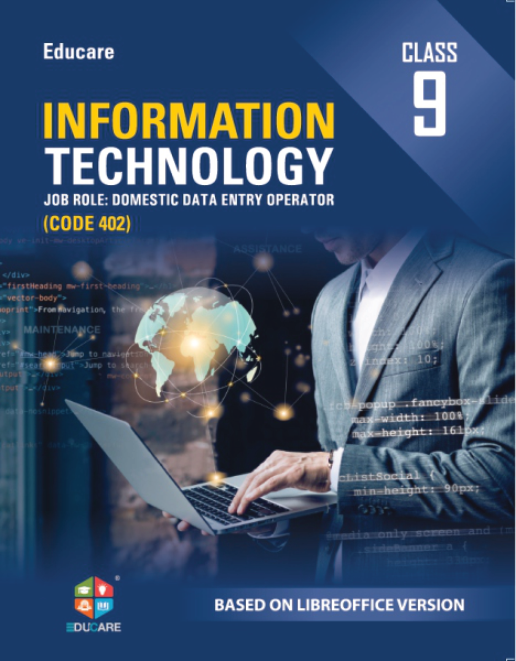
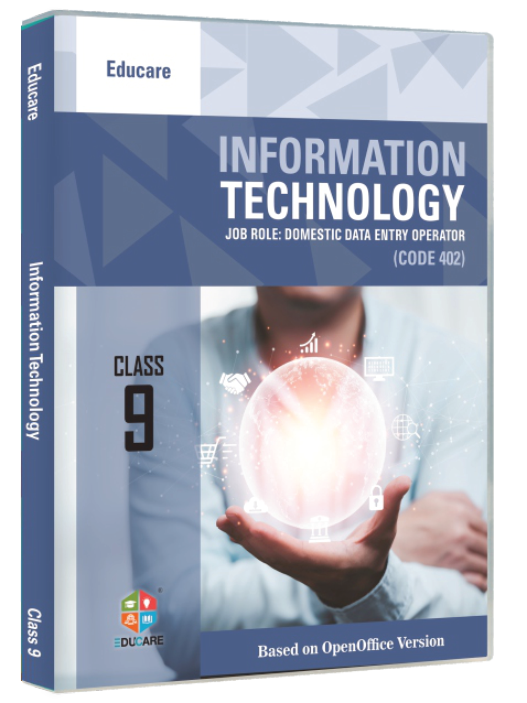
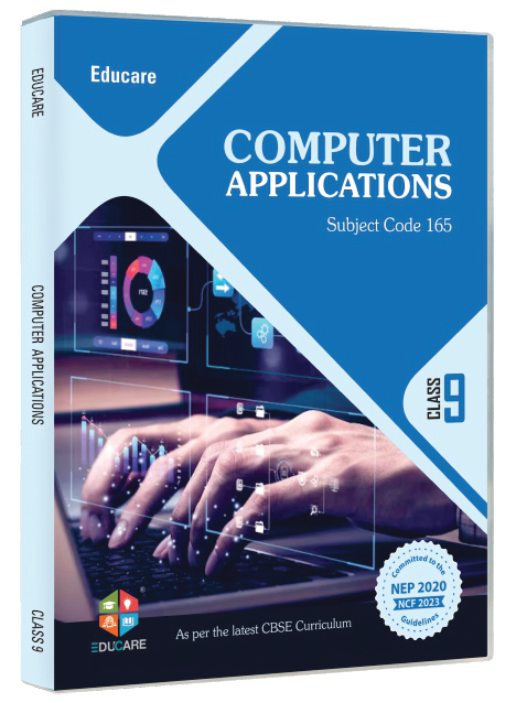
    Classes 1–8 on Windows 11, Windows 10 or Ubuntu; Classes 9–10 for CBSE Codes 402, 417 and 165.

  2. Send the school's details

    School name, address, number of sections and the computer teacher's phone number.

  3. Receive the specimen and a call

    The sales team calls within two working days; the copy is sent to the school.

Keyboard keys — shortcuts taught in the Office chapters

  • Save the document · Word 2021CtrlS
  • Undo the last action · Word 2021CtrlZ
  • Make the selection bold · Word 2021CtrlB
  • Save As · Word 2021F12
  • Print · Office 2021CtrlP
  • Open File Explorer · Windows 11WinE

Menu paths and inline code share the same badge: File Save As and print().

Code block — language tabs, line numbers, copy

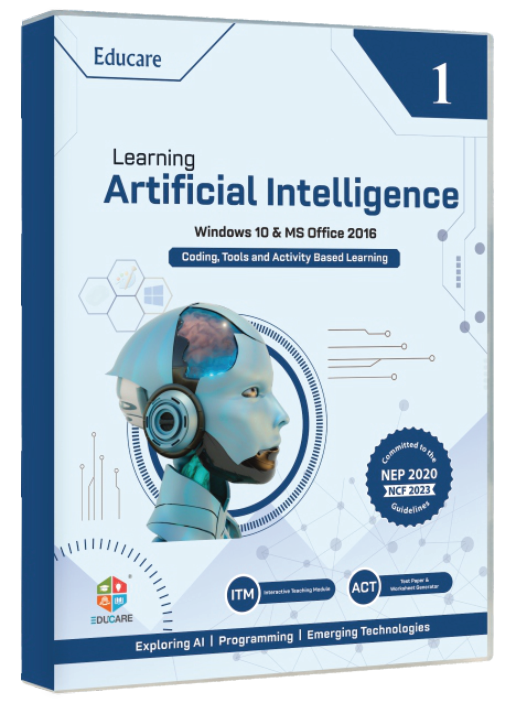
Python Learning AI · Part 9
# Learning Artificial Intelligence · Part 9 (CBSE Code 417)marks = [78, 85, 92, 66]average = sum(marks) / len(marks)print(f"Class average: {average:.1f}")
HTML Tech Knowledge · Part 8
<!-- Tech Knowledge · Part 8 --><h1>My School</h1><p>Guru Nanak Complex, Railway Road, Karnal</p><a href="https://myeducare.in">Educare</a>
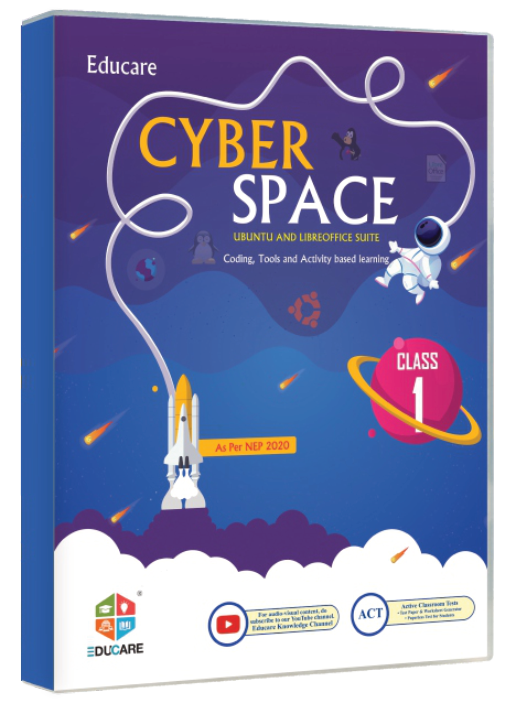
Calc Cyber Space · LibreOffice Calc
=AVERAGE(B2:B9)=IF(C2>=33,"Pass","Fail")=COUNTIF(D2:D41,"Pass")

move between tabs; the block scrolls sideways instead of wrapping, and Copy uses the clipboard.

On the site: Icon lists on series and solution pages; numbered steps on the Specimen request and Software Support pages; keys, menu paths and code blocks in chapter previews of the Classes 6–10 and CBSE 417 books.

0/200

Responsive ISBN & price table

One table for all 18 series: tabular figures, ISBN-13 and ISBN-10 per part, copy buttons, a price-range footer and two mobile behaviours to compare below 768 px.

  • tables
  • tabular figures
  • responsive
Below 768 px
Tech Trek · Win 11 · Office 2021 · Classes 1–8
ClassTitleISBN-13ISBN-10PriceCopy ISBN
1Tech Trek (Part 1)978-81-983279-7-081-983279-7-5₹295
2Tech Trek (Part 2)978-81-983279-6-381-983279-6-7₹385
3Tech Trek (Part 3)978-81-983279-3-281-983279-3-2₹485
4Tech Trek (Part 4)978-81-983279-1-881-983279-1-6₹515
5Tech Trek (Part 5)978-81-983279-4-981-983279-4-0₹525
6Tech Trek (Part 6)978-81-983279-8-781-983279-8-3₹555
7Tech Trek (Part 7)978-81-983279-9-481-983279-9-1₹565
8Tech Trek (Part 8)978-81-983279-5-681-983279-5-9₹575
Price range₹295 – ₹575

Body face with tabular-nums; prices are ₹ followed by the figure with no space. Copy sends the ISBN-13 to the clipboard and confirms with a toast.

On the site: Every series page (all parts) and every book page (one row). Pick “Stack rows” for phones used by principals and parents, or “Scroll” when the ISBN-10 column must stay visible for distributors.

0/200

Download cards

TRM, ACT, flip-book and online-link cards with a file-type badge, a filter row and a clear action; demo files answer with a toast, links are real.

  • downloads
  • TRM
  • flip books
  • Teacher's Resource Manual — Tech Trek Part 3

    Class 3 · Windows 11 & MS Office 2021 · lesson plans, answer keys, worksheets

    PDF · 4.8 MB
  • Teacher's Resource Manual — Cyber World Part 6

    Class 6 · Windows 10 & MS Office 2016

    PDF · 5.1 MB
  • Active Classroom Tests — Explore IT Part 5

    Class 5 · one ready-to-use test per chapter

    PDF · 1.2 MB
  • Flip book — Learning Artificial Intelligence Part 9

    Class 9 · CBSE Code 417 · opens in the browser

    Flip book
    Open
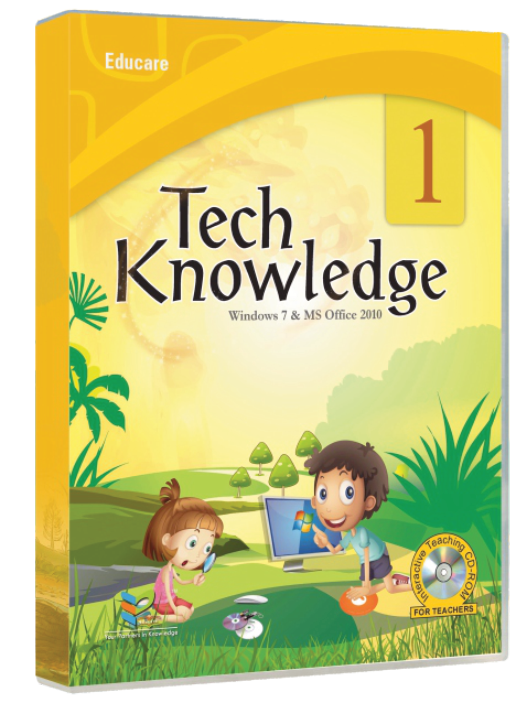
  • Online links — Tux Paint, Stykz and Tux Maths tutorial videos

    Educare Knowledge Channel on YouTube

    External link
    Watch (opens in a new tab)
  • ITM preview — animated chapter lesson

    Interactive Teaching Modules for the smart class

    External link
    Watch (opens in a new tab)

On the site: Series pages (TRM, ACT and flip book per part), the Solutions pages (Online Links, Software Support) and the Careers page (résumé template). File cards say type and size before the click; external links open in a new tab and say so.

0/200

Devanagari & bilingual reading block

Hindi set in Noto Sans Devanagari through the body face, with a language switch, a size-compensation toggle and Latin brand names inside Hindi copy.

  • Hindi
  • lang=hi
  • bilingual
English · font-display heading

Your Partners in Knowledge

Educare Knowledge India Pvt. Ltd., Karnal (Haryana), publishes computer textbooks for Classes 1 to 10. Every series is graded to NCERT guidelines and follows the CBSE, ICSE and state board curricula.

Each book comes with a Teacher's Resource Manual (TRM), Interactive Teaching Modules (ITM), Active Classroom Tests (ACT) and a flip book. Tech Trek (Part 5) for Class 5 costs ₹525.

  • 18 series, 36 covers, Classes 1–10
  • CBSE Codes 402, 417 and 165 for Classes 9–10
  • +91 184 225 4445 · info@myeducare.in
Hindi · body face at semibold

आपके ज्ञान के साथी

एजुकेयर नॉलेज इंडिया प्राइवेट लिमिटेड, करनाल (हरियाणा), कक्षा 1 से 10 तक के लिए कंप्यूटर की पाठ्यपुस्तकें प्रकाशित करता है। हर शृंखला NCERT के दिशा-निर्देशों के अनुसार तैयार की गई है और CBSE, ICSE तथा राज्य बोर्डों के पाठ्यक्रम का पालन करती है।

हर पुस्तक के साथ शिक्षक संसाधन पुस्तिका (TRM), इंटरैक्टिव टीचिंग मॉड्यूल (ITM), ऐक्टिव क्लासरूम टेस्ट (ACT) और फ़्लिप बुक मिलती है। कक्षा 5 के लिए Tech Trek (Part 5) का मूल्य ₹525 है।

  • 18 शृंखलाएँ, 36 कवर, कक्षा 1–10
  • कक्षा 9–10 के लिए CBSE कोड 402, 417 और 165
  • +91 184 225 4445 · info@myeducare.in

Hindi headings use the body face at semibold (the display faces have no Devanagari); series names, codes and prices stay in Latin digits inside <span lang="en">, and the whole block carries lang="hi" so screen readers switch voice.

On the site: Hindi versions of the About, Contact and Specimen request pages, and Hindi teacher notes in TRM previews. Load Noto Sans Devanagari only on pages that carry Hindi.

0/200

Windows is set to reduce animation. This proposal plays its full motion so you can judge it.

Motion is off