Elements · Structure

Headers & mega menus

The header is the one element every visitor touches. These variations change where the logo sits, how the mega menu opens and what the bar does on scroll. Each one runs inside its own scroll frame so sticky and transparent behaviour can be judged, and every mega panel opens on hover intent and from the keyboard.

5 variations

Select every variation you like — your picks are saved in this browser.

Sticky classic with full-width mega menu

The header on this page: logo left, six items, specimen CTA right. Books drops a full-width panel; after 80 px the bar tightens to the mark only.

  • current
  • sticky
  • mega menu
  • compact on scroll

Computer books for Classes 1–10

Your partners in knowledge

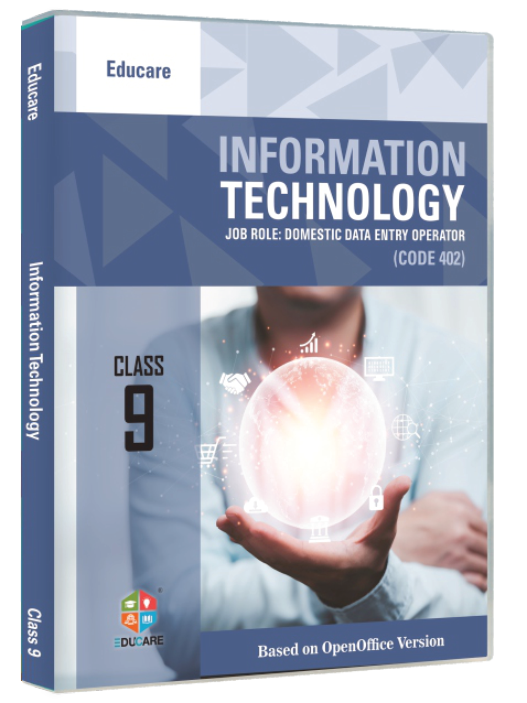
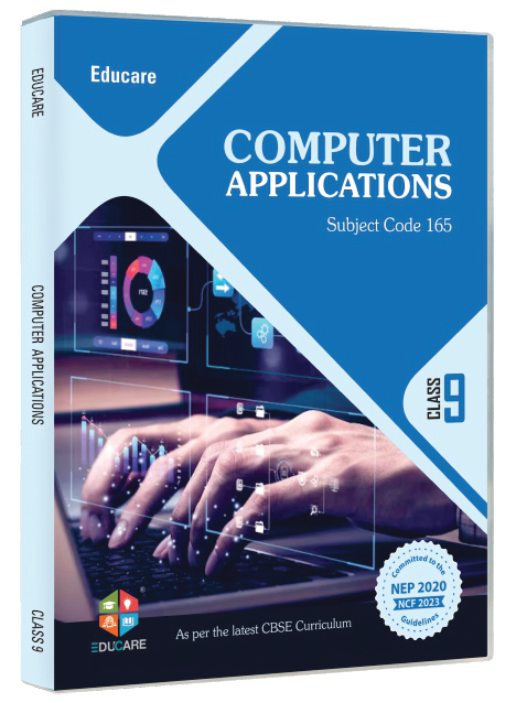
Eighteen series for Windows 11, Windows 10, Windows 7 and Ubuntu, the CBSE skill subjects 402, 165 and 417, and the classroom tools that go with every book.

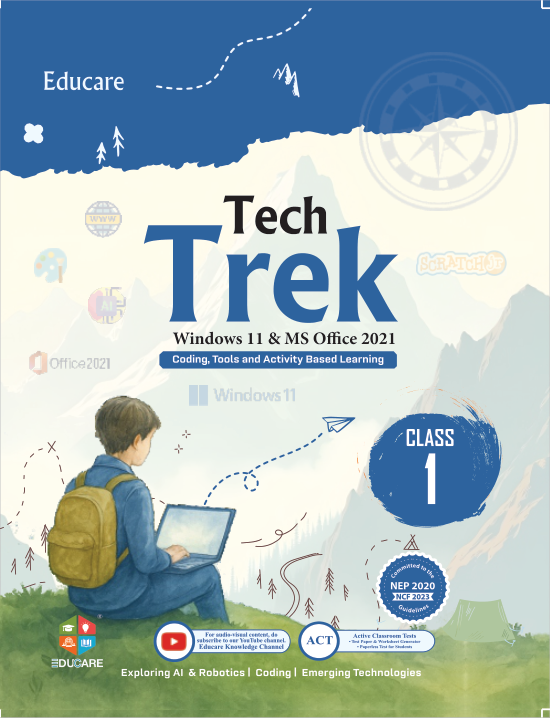
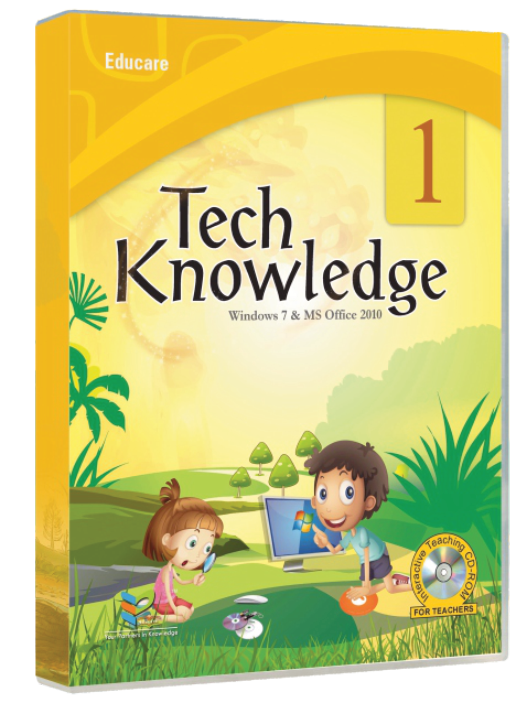
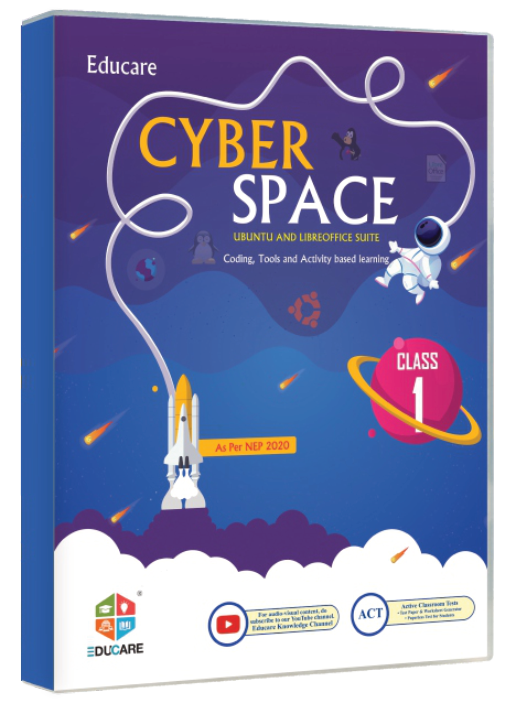
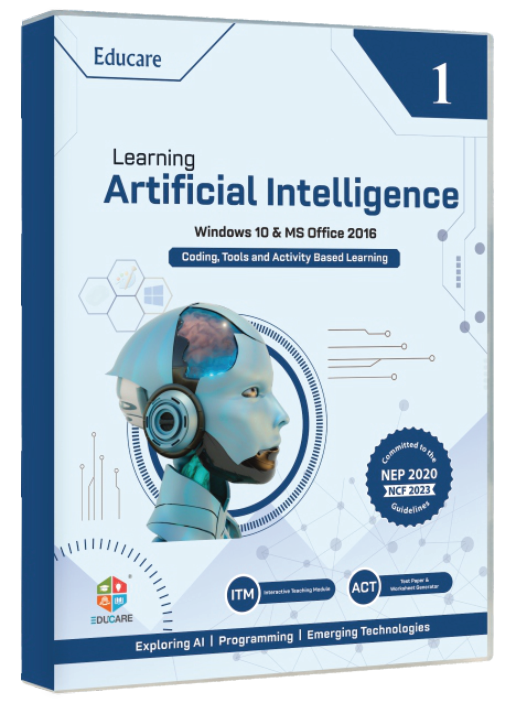
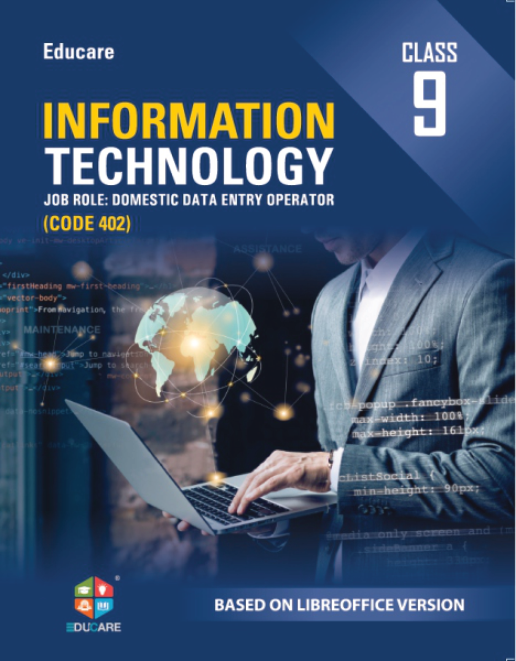
  • Tech Trek, Classes 1–8
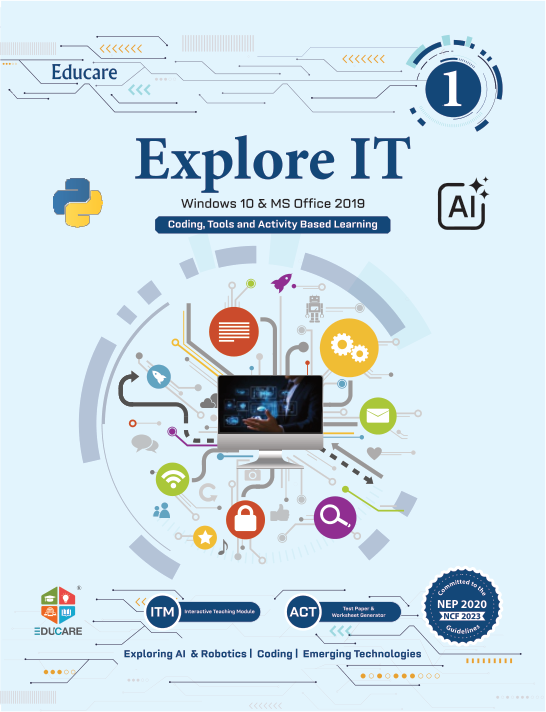
  • Explore It, Classes 1–8
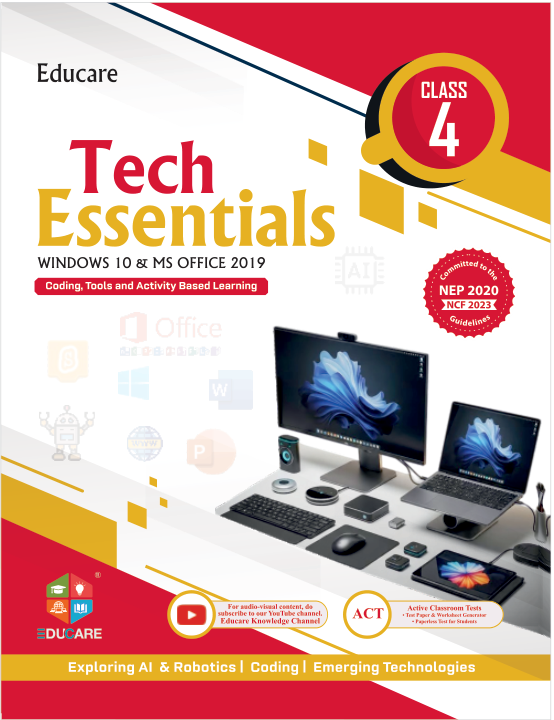
  • Tech Essentials, Classes 1–8
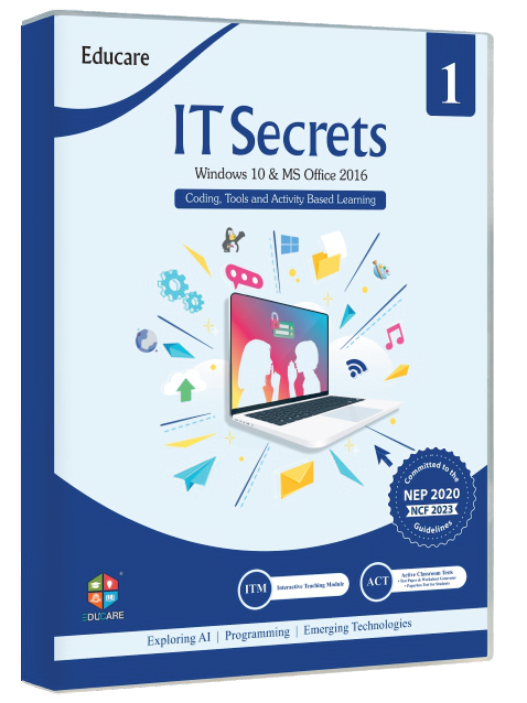
  • IT Secret, Classes 1–8

Everything around the book

  • ITM

    Interactive Teaching Modules

    Animated chapter lessons for the smart class

  • ACT

    Active Classroom Tests

    Ready-to-use tests for every chapter

  • TRM

    Teacher's Resource Manuals

    Lesson plans, answer keys and worksheets

  • Flip Books

    Page-turning digital editions of every book

Series by class and platform

Ready to see a book in class?

Schools get specimen copies of any series along with the teacher's manual, so the computer teacher can judge it against the syllabus.

Request a specimen

Educare Knowledge India Pvt. Ltd. · Guru Nanak Complex, Railway Road, Karnal 132001, Haryana · info@myeducare.in

On the site: The default for every page. Sticky at all widths, compact after 80 px, panels on hover intent or Enter / ↓, drawer below 1024 px; the CTA never leaves the bar.

0/200

Centred logo with pill navigation

Two rows: a quiet top row with the mark centred between a book search and the CTA, then a rounded pill bar carrying the same panels; the mega menu opens under the pill row.

  • centred logo
  • pill nav
  • two rows

Computer books for Classes 1–10

Your partners in knowledge

Eighteen series for Windows 11, Windows 10, Windows 7 and Ubuntu, the CBSE skill subjects 402, 165 and 417, and the classroom tools that go with every book.

  • Tech Trek, Classes 1–8
  • Explore It, Classes 1–8
  • Tech Essentials, Classes 1–8
  • IT Secret, Classes 1–8

Everything around the book

  • ITM

    Interactive Teaching Modules

    Animated chapter lessons for the smart class

  • ACT

    Active Classroom Tests

    Ready-to-use tests for every chapter

  • TRM

    Teacher's Resource Manuals

    Lesson plans, answer keys and worksheets

  • Flip Books

    Page-turning digital editions of every book

Series by class and platform

Ready to see a book in class?

Schools get specimen copies of any series along with the teacher's manual, so the computer teacher can judge it against the syllabus.

Request a specimen

Educare Knowledge India Pvt. Ltd. · Guru Nanak Complex, Railway Road, Karnal 132001, Haryana · info@myeducare.in

On the site: Brand-led pages such as Home and About, where the mark deserves the centre. It costs a second row, so keep the compact scroll state and use it only where the hero is tall enough to carry it.

0/200

Transparent over the hero, solid on scroll

The bar starts as white type over a full-bleed classroom photo and turns into the solid surface bar after 80 px, or the moment a panel or the drawer opens.

  • transparent
  • photo hero
  • solid on scroll

Computer books for Classes 1–10

Your partners in knowledge

Eighteen series for Windows 11, Windows 10, Windows 7 and Ubuntu, the CBSE skill subjects 402, 165 and 417, and the classroom tools that go with every book.

  • Tech Trek, Classes 1–8
  • Explore It, Classes 1–8
  • Tech Essentials, Classes 1–8
  • IT Secret, Classes 1–8

Photo: CIMT HOOGHLY · Unsplash License

Everything around the book

  • ITM

    Interactive Teaching Modules

    Animated chapter lessons for the smart class

  • ACT

    Active Classroom Tests

    Ready-to-use tests for every chapter

  • TRM

    Teacher's Resource Manuals

    Lesson plans, answer keys and worksheets

  • Flip Books

    Page-turning digital editions of every book

Series by class and platform

Ready to see a book in class?

Schools get specimen copies of any series along with the teacher's manual, so the computer teacher can judge it against the syllabus.

Request a specimen

Educare Knowledge India Pvt. Ltd. · Guru Nanak Complex, Railway Road, Karnal 132001, Haryana · info@myeducare.in

On the site: Pages that open on a full-bleed photo: Home, About, Workshops. Every other page renders the solid state from the start, so it pairs with H01 rather than replacing it.

0/200

Utility bar with phone, WhatsApp and specimen link

A dark strip with the Karnal phone line, WhatsApp, email and a “Get a specimen” link scrolls away; the main bar with the mega menu and a search button stays sticky.

  • utility bar
  • phone
  • WhatsApp
  • search

Computer books for Classes 1–10

Your partners in knowledge

Eighteen series for Windows 11, Windows 10, Windows 7 and Ubuntu, the CBSE skill subjects 402, 165 and 417, and the classroom tools that go with every book.

  • Tech Trek, Classes 1–8
  • Explore It, Classes 1–8
  • Tech Essentials, Classes 1–8
  • IT Secret, Classes 1–8

Everything around the book

  • ITM

    Interactive Teaching Modules

    Animated chapter lessons for the smart class

  • ACT

    Active Classroom Tests

    Ready-to-use tests for every chapter

  • TRM

    Teacher's Resource Manuals

    Lesson plans, answer keys and worksheets

  • Flip Books

    Page-turning digital editions of every book

Series by class and platform

Ready to see a book in class?

Schools get specimen copies of any series along with the teacher's manual, so the computer teacher can judge it against the syllabus.

Request a specimen

Educare Knowledge India Pvt. Ltd. · Guru Nanak Complex, Railway Road, Karnal 132001, Haryana · info@myeducare.in

On the site: A sales-led site where a principal must reach the phone line or WhatsApp in one tap on every page. The strip scrolls away so the sticky bar stays as light as H01; the search button opens the Books panel on its search field.

0/200

Minimal wordmark with a Menu drawer at every width

Only the EDUCARE wordmark, the specimen CTA and a labelled Menu button. The drawer carries the whole sitemap with search, Books groups, Solutions, Careers and the contact strip.

  • wordmark
  • drawer
  • minimal

Computer books for Classes 1–10

Your partners in knowledge

Eighteen series for Windows 11, Windows 10, Windows 7 and Ubuntu, the CBSE skill subjects 402, 165 and 417, and the classroom tools that go with every book.

  • Tech Trek, Classes 1–8
  • Explore It, Classes 1–8
  • Tech Essentials, Classes 1–8
  • IT Secret, Classes 1–8

Everything around the book

  • ITM

    Interactive Teaching Modules

    Animated chapter lessons for the smart class

  • ACT

    Active Classroom Tests

    Ready-to-use tests for every chapter

  • TRM

    Teacher's Resource Manuals

    Lesson plans, answer keys and worksheets

  • Flip Books

    Page-turning digital editions of every book

Series by class and platform

Ready to see a book in class?

Schools get specimen copies of any series along with the teacher's manual, so the computer teacher can judge it against the syllabus.

Request a specimen

Educare Knowledge India Pvt. Ltd. · Guru Nanak Complex, Railway Road, Karnal 132001, Haryana · info@myeducare.in

On the site: A quieter, editorial feel or a small first release. One navigation to maintain, easiest to extend as sections grow; the trade-off is that Books and Solutions are one click further away on desktop.

0/200

Windows is set to reduce animation. This proposal plays its full motion so you can judge it.

Motion is off