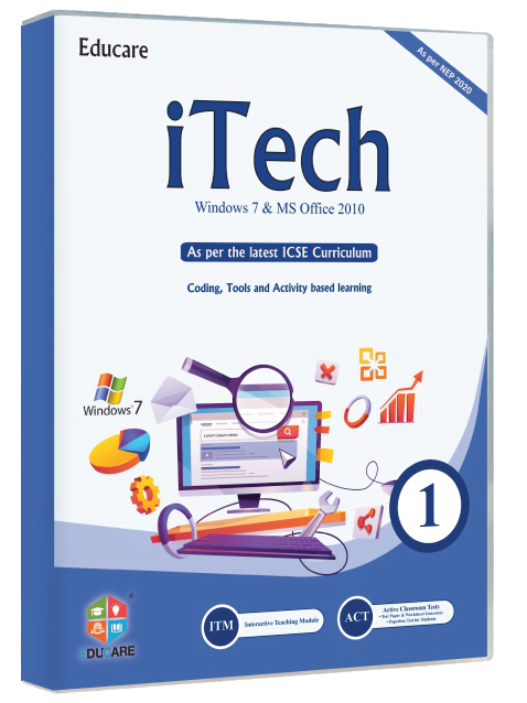
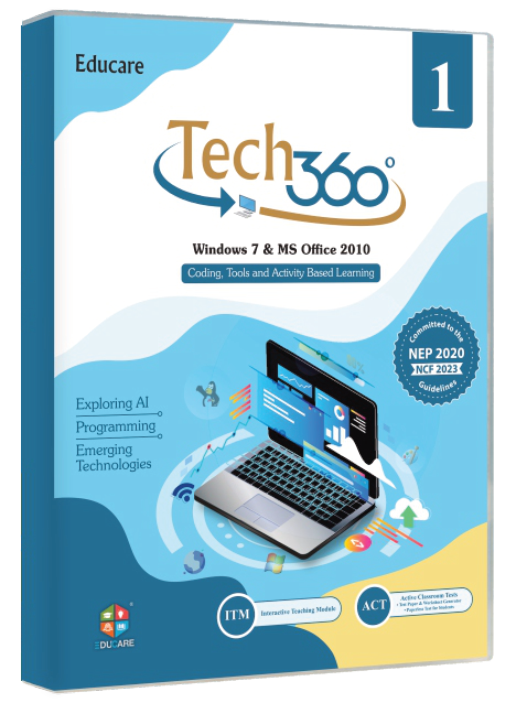
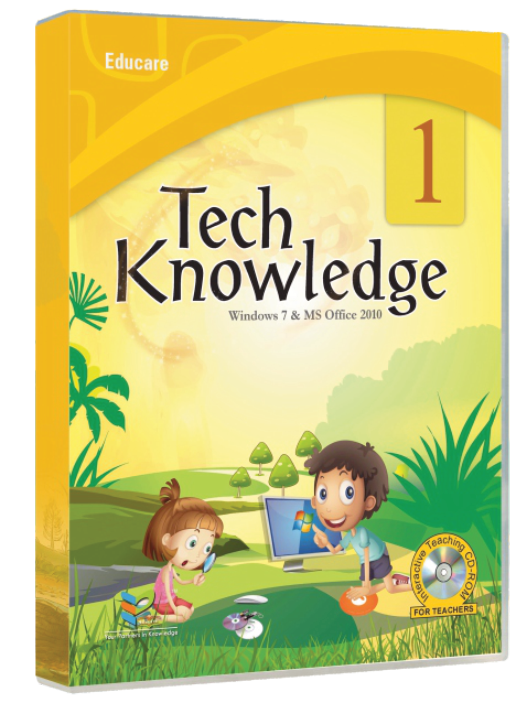
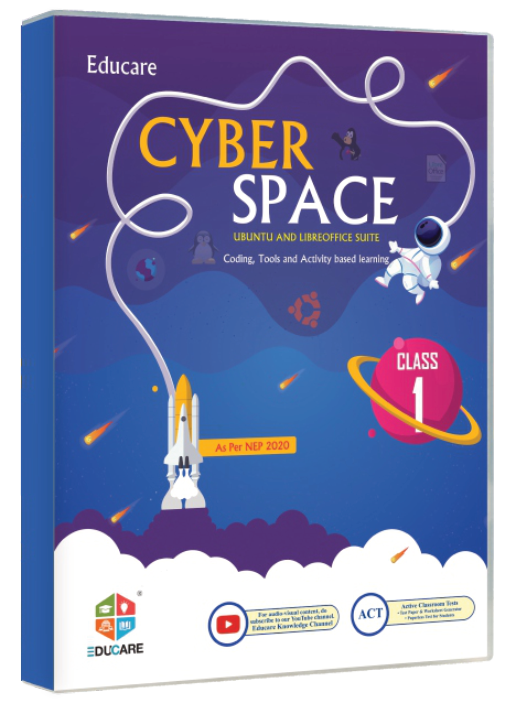


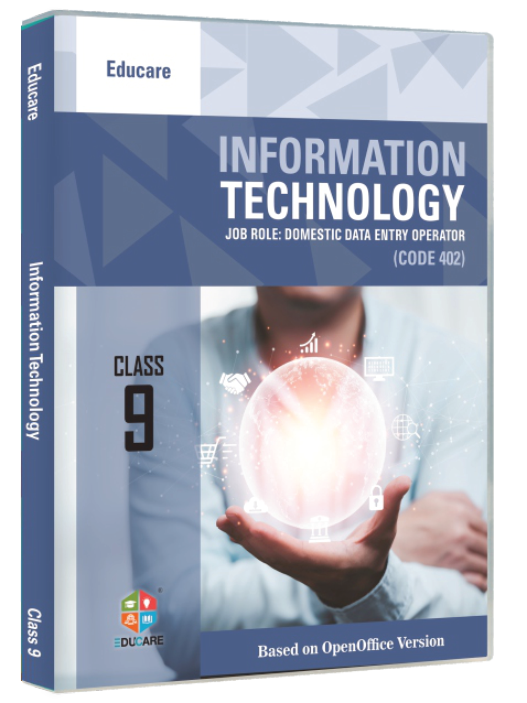
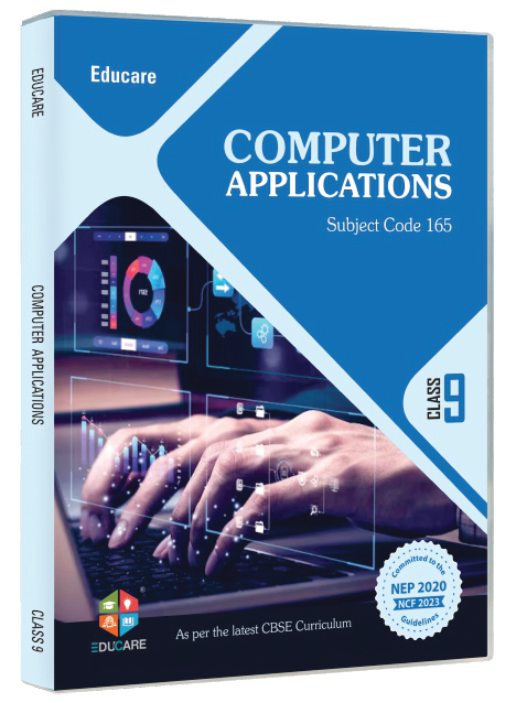
- Intensity
- Travel follows --motion-distance (12 / 24 / 40 px) and the gap between cards --motion-stagger (50 / 80 / 110 ms); each card runs for --duration-slow with ease-out-soft.
- Reduced motion
- Cards appear with a 150 ms opacity fade only: no movement, clip, mask or blur.
- On the site
- The default entrance for every band below the hero: series grids, solution tiles, news cards. Pick one style for the whole site; slide up is the house default.
Elements · Interaction
Motion & scroll effects
How much should the site move? These variations isolate one effect each, from scroll reveals and parallax to magnetic hover, split-text stagger and animated icons, with a Replay button and an intensity note. Every effect obeys the motion switch and the reduced-motion toggle.
6 variations
Select every variation you like — your picks are saved in this browser.

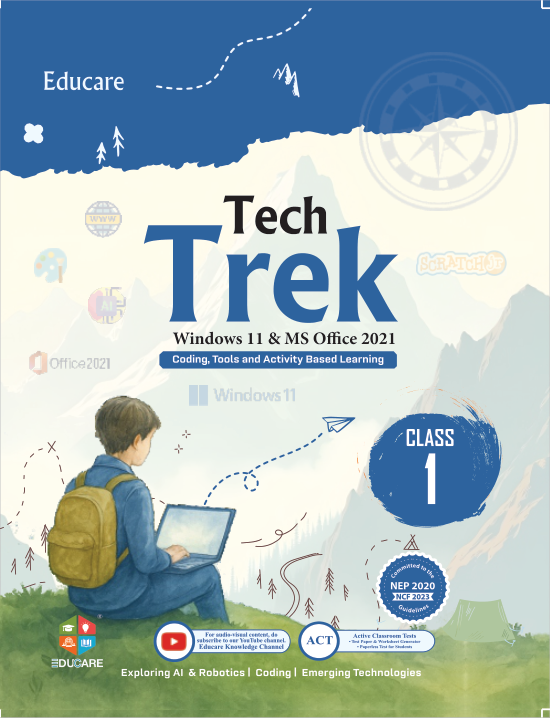

Parallax
Books that move with the syllabus
Three layers, three speeds: photo 24 px, covers 60–70 px, copy 30 px.
0%
- Step 01 Choose a series 18 series from KG to Class 10, on Windows 11, Windows 10, open source and the CBSE skill codes.
- Step 02 Request a specimen A free specimen copy for your school, sent from Karnal with the ISBN and price list.
- Step 03 Train your teachers ITM lessons, Teacher’s Resource Manuals and on-site workshops come with every adoption.
Pinned while you scroll · the ring tracks the pinned distance
Photo: Agung Pandit Wiguna · Pexels License
- Intensity
- Layer travel is fixed (24–70 px) because it is tied to scroll position, not time; the step highlight swaps in --duration-base.
- Reduced motion
- Layers stay put. The progress bar, the ring and the pinned steps still follow the scroll position, without easing.
- On the site
- Home hero background, the Solutions story band and the ‘how adoption works’ block on the Specimen request page.
Magnetic button
Leans 30 % toward the pointer anywhere on the tile (magnetic spring); press scales to 0.95 (snappy).
Spotlight card
ITM · Interactive Teaching Modules Animated chapter lessons for the smart class, mapped to every series and class. Explore ITMA primary-tinted radial light follows the pointer and the border warms; focus lights the centre.
Cursor-follow label
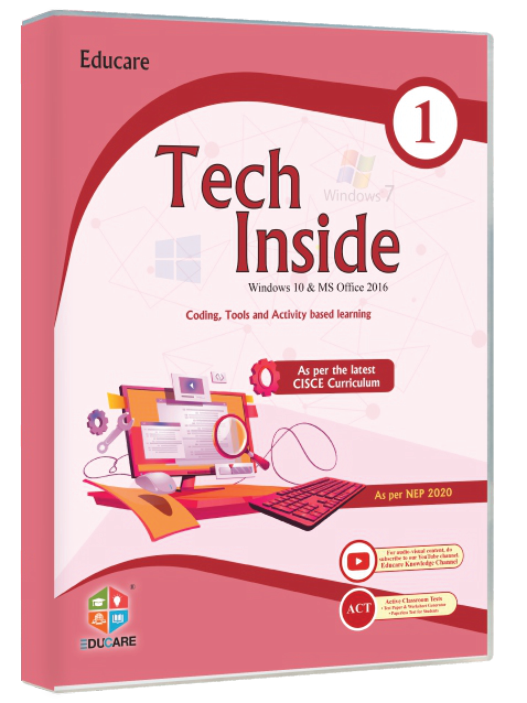
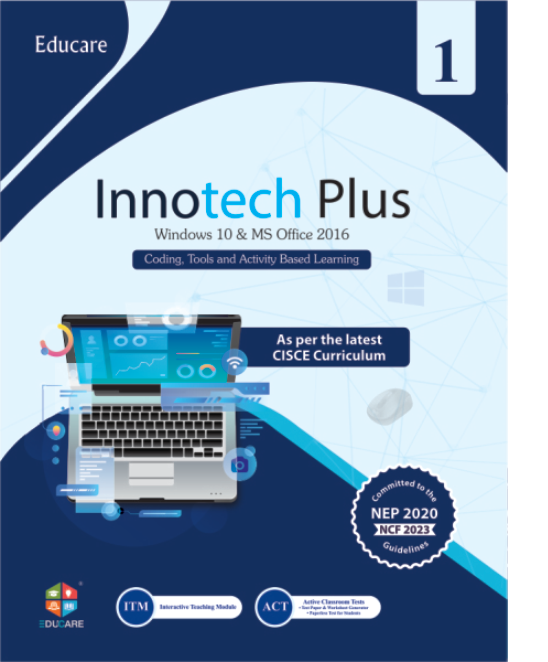
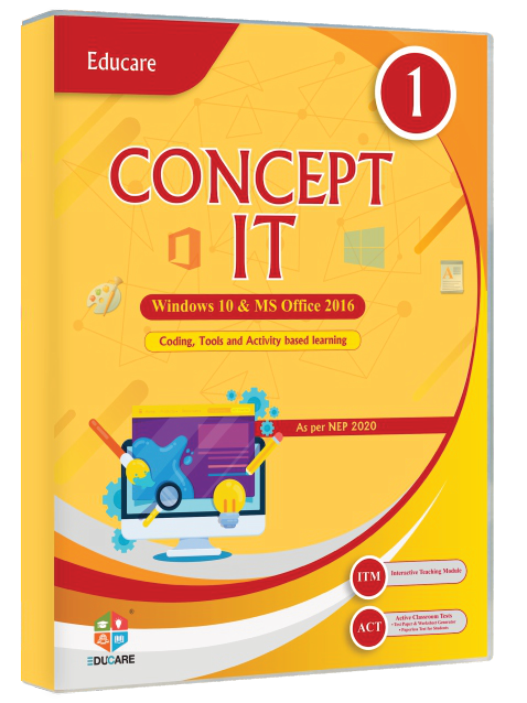
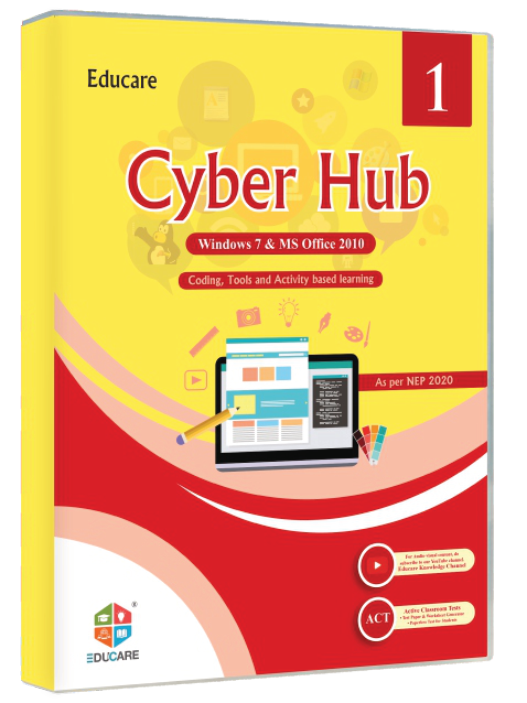
The label trails the pointer with the magnetic spring and names the cover underneath; Tab moves it to the focused cover.
3-D tilt card
Rotates up to 14° toward the pointer, the cover sits 24 px above the card; settles with the standard spring.
- Intensity
- Spring visualDuration scales 0.7 / 1 / 1.3; the 30 % pull, 14° tilt and 14 rem spotlight radius are fixed.
- Reduced motion
- Magnet, tilt and the trailing label are off; the spotlight stays as a static highlight on hover and focus; the sweep button is disabled.
- On the site
- Magnetic on the one primary CTA per page; spotlight on solution cards; cursor-follow on the series shelf; tilt on book cards in the catalogue.
Curriculum-true computer education, built with teachers, ready for tomorrow’s classroom.
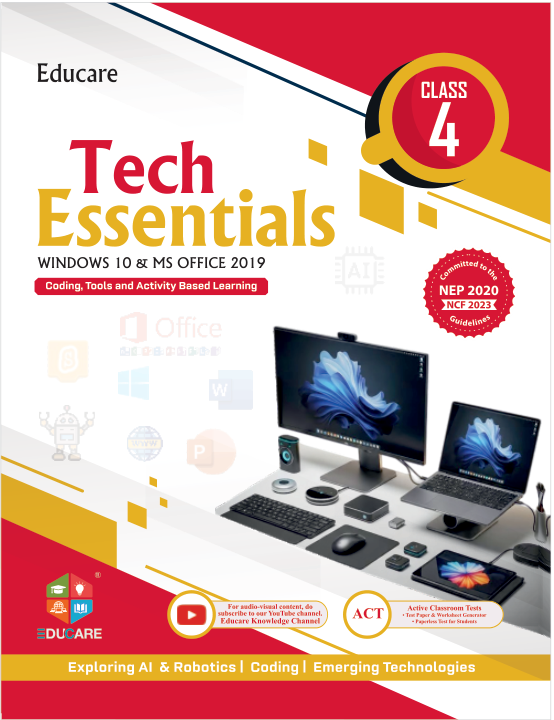
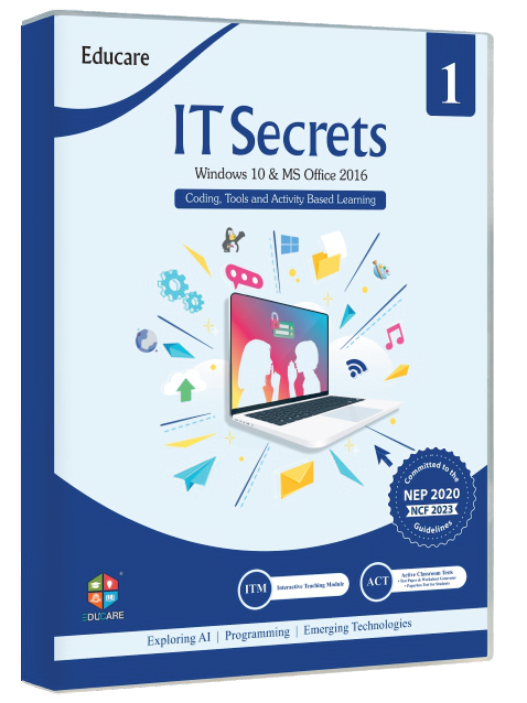
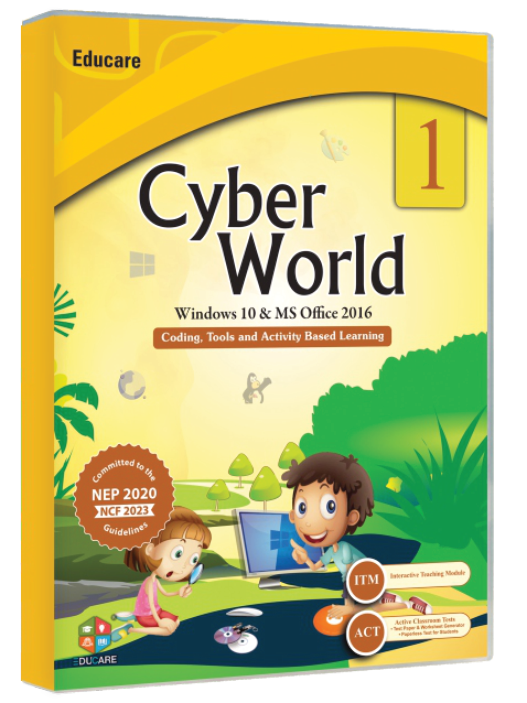
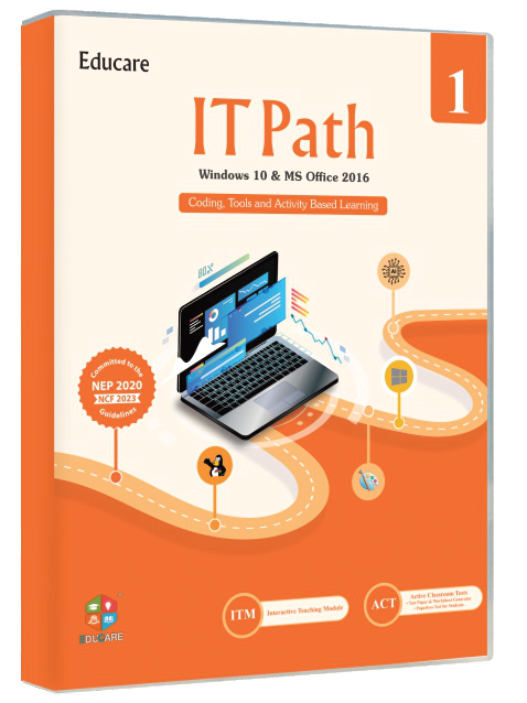
Find the right book: Tech Trek, Explore It, Tech Essentials, IT Secret, Cyber World, IT Path.
- Intensity
- Stagger per unit: characters --motion-stagger ÷ 4, words --motion-stagger, lines × 2.5, each for --duration-slow; the typewriter types one character per --motion-stagger and holds a term for 1.5 × --duration-hero.
- Reduced motion
- The headline renders complete at once; the typewriter shows the first term with no caret blink.
- On the site
- Home hero headline (words) and the search-first hero’s rotating term; never on body copy.
- Series
- 0
- Books
- 0
- ISBNs
- 0
- Classes
- 0
- Solutions
- 0
- Prices from
- ₹0
- Intensity
- Counters run for --duration-slow with ease-out-soft and start --motion-stagger apart; the marquee is a CSS loop at 60 / 40 / 25 s per pass and ignores the intensity switch.
- Reduced motion
- Counters print the final figure; the marquees stop and become horizontally scrollable strips.
- On the site
- Trusted-by band on Home and About (counters); the cover strips above the footer and on the Books landing page (marquee).